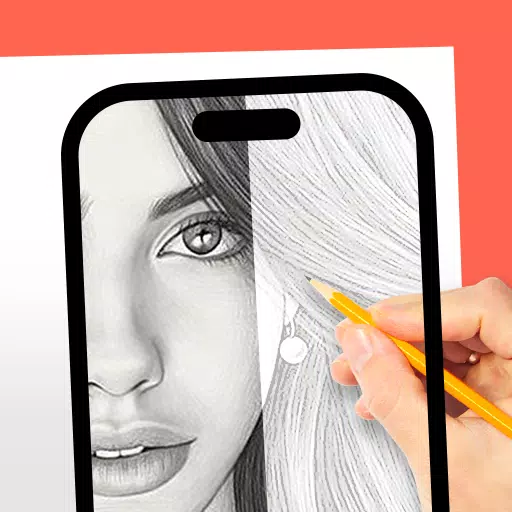
AR Drawing: Trace & Sketch
- Art & Design
- 1.0.9
- 32.0 MB
- by Mitra Ringtones
- Android 5.0+
- Sep 07,2026
- Package Name: com.mitra.sketch.ar.drawing.paint
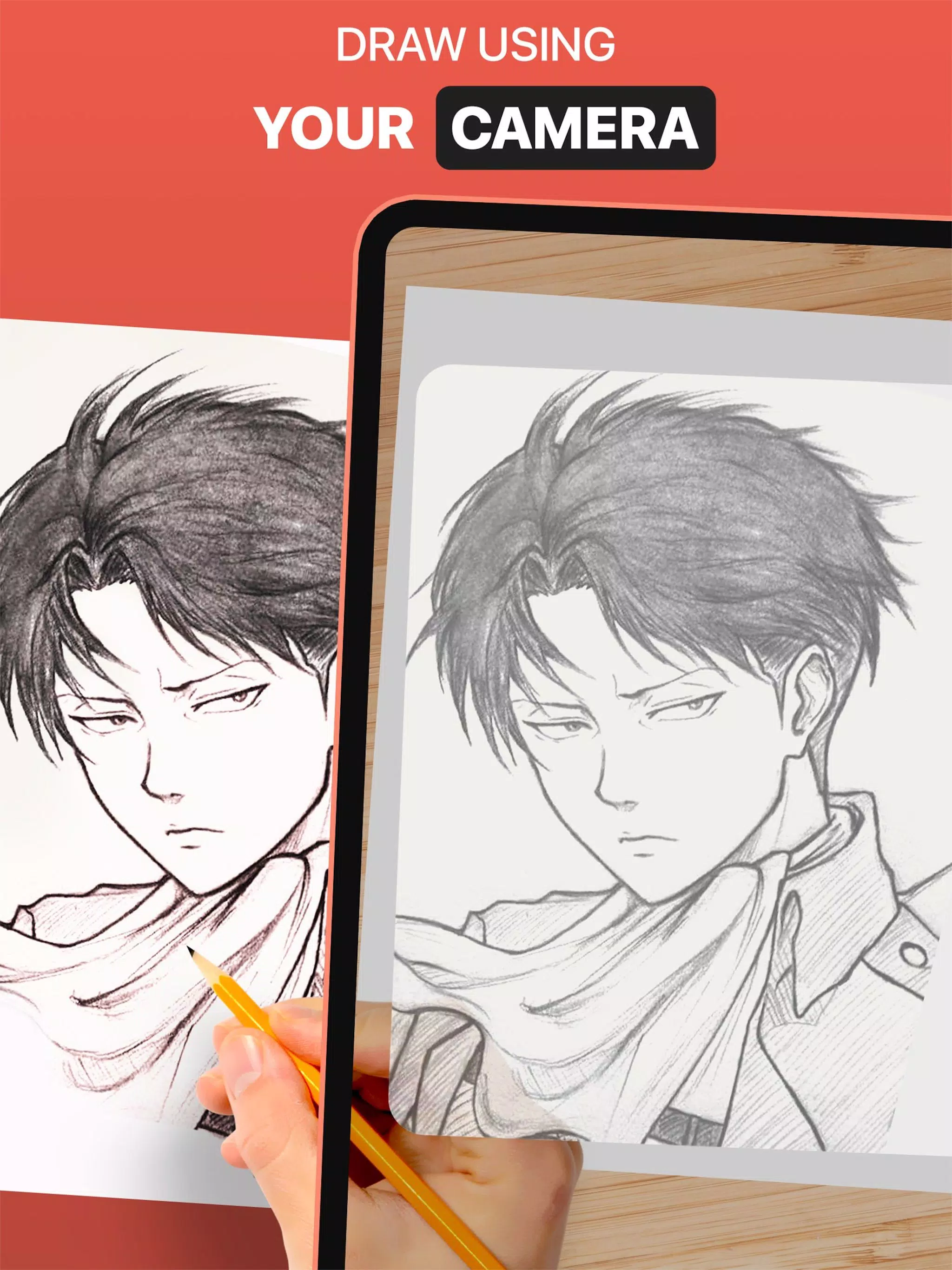
Use the DrawingAR app to trace images on your device's screen and draw them on paper.
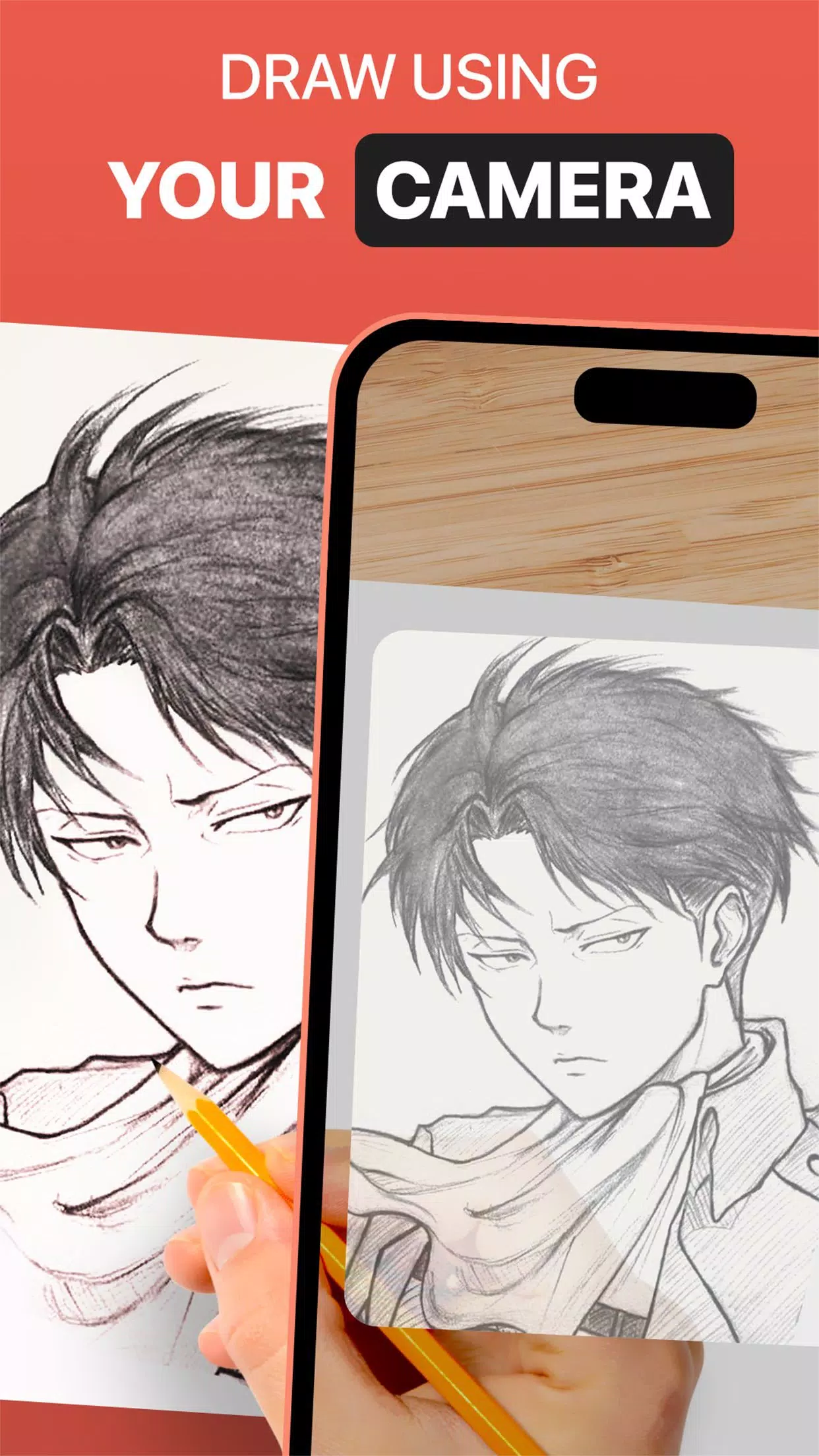
The DrawingAR app utilizes augmented reality (AR) technology to project an image onto a surface, such as paper. You can follow the traced lines on your device's screen while drawing on paper, creating a guided tracing experience.
Easy Drawing is a simple app that allows you to import images from your device's gallery and overlay them with a transparent layer. You can then trace sketches or images on your device's screen and quickly draw them on paper.
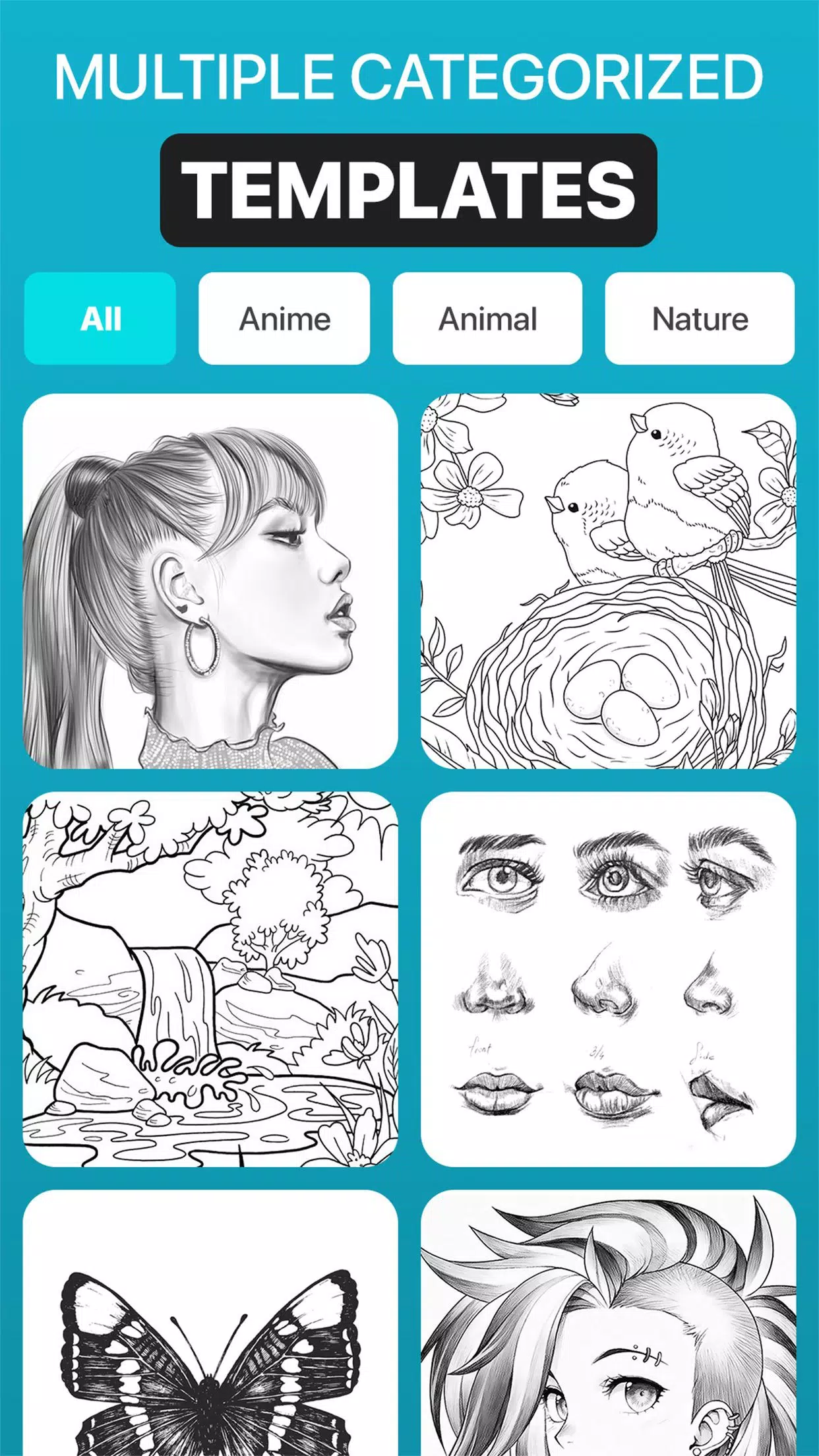
This Sketch AR app offers hundreds of pre-defined images from various categories, including Animals, Cartoons, Foods, Birds, Trees, Rangolis, and many other images and sketch drawings.
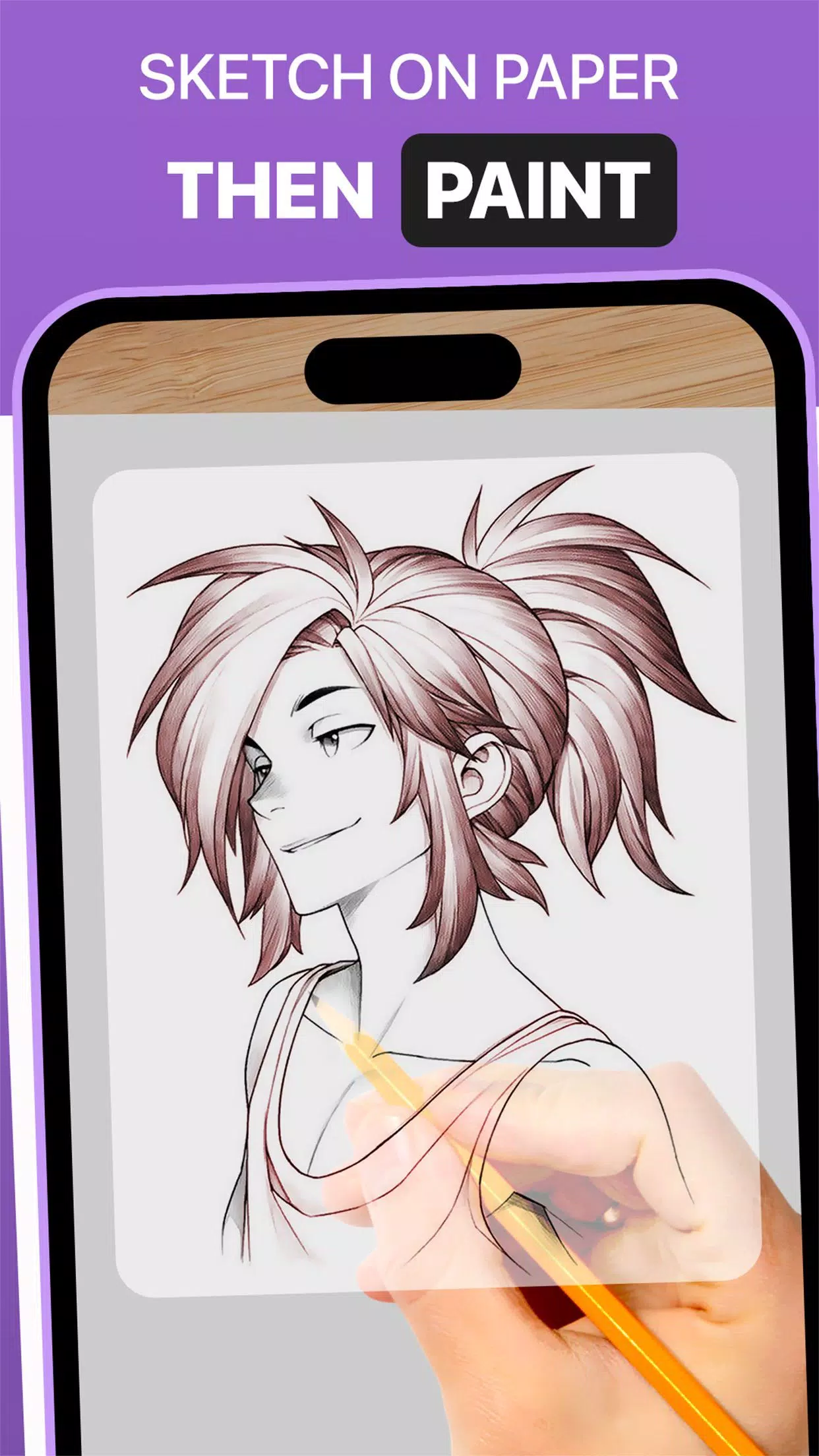
The Trace Anything app typically provides features such as adjusting the opacity of the image overlay, zooming in or out, and selecting different images for tracing. You can also paint your traced image using tracing elements on your tracing paper or sketch pad.
➤ Features of the AR Drawing App:
-
Image Import: This Easy Drawing app allows you to import images or sketches from your device's photo library or take photos using the built-in camera. You can use these images as references for tracing on paper.
-
Image Overlay: Once you import an image, this Trace Anything app overlays it onto your device's screen. The image is typically displayed with adjustable opacity, allowing you to see both the original image and your tracing paper simultaneously. You can also adjust the opacity of the image to make it transparent for quick drawing.
-
Inbuilt Browser: This Easy Drawing app has an inbuilt browser where you can browse and import easy sketches or any type of image or sketch drawing directly within the app. There is no need to download easy sketches and images from another browser.
-
Transparency Adjustment: The Trace Drawing app allows you to adjust the transparency or opacity of the overlaid image. This feature enables you to make the image more or less visible, depending on your preference.
-
Record Video or Images: This Trace Drawing app has a dedicated recording button within the app's interface. By tapping on this button, you can start recording a video while you trace on tracing paper. This app also has a time-lapse feature in the video section. Once you have recorded the video, you can find it in the device’s ‘Drawing AR’ folder.
-
Capture Images of Traced Drawings: You can capture an image of your traced drawing during or after the tracing process. Once you have captured the image, you can find it in your device’s gallery.
-
Simple Drawing UI: This Sketch AR app has a very simple user interface with the best tracing elements that you can manage easily and draw.
➤ Steps to Use the AR Drawing App:
-
Download and open the DrawingAR app on your mobile device.
-
Import or select the image you want to trace.
-
Set up your paper or sketch pad in a well-lit area.
-
Adjust the image overlay and position it correctly on your device's screen.
-
Start tracing the image on paper, following its details.
This AR Drawing app is a versatile tool for artists, designers, and creative individuals.
-
Shradhanjali Photo - Gujarati

-
Learn to draw Kimetsu no Yaiba
-
DoScreen Theme MorseCode
-
Pixpic

-
Panorama Scroll Carousel Maker

-
1000+ Mehndi Designs Latest 20
-
Virink What To Draw
-
Cross Stitch Pattern Creator
-
SketchPad - Doodle On The Go
-
MOD
-
AR Anime Sketch: Trace & Draw
-
Learn to Draw Anime by Steps
-
Face Swap Magic
-
Luxury Logo maker, Logo Design

-
 Sentries Crossword Clue - Try Hard Guides
We provide the 7-letter solution for the "Sentries" crossword clue, which appeared in the Thomas Joseph Crossword puzzle on May 18, 2026. This answer is designed to help you complete your current puzzle.Sentries Crossword Answer↓9. ??????? Click/tap
Oct 21,2026 -
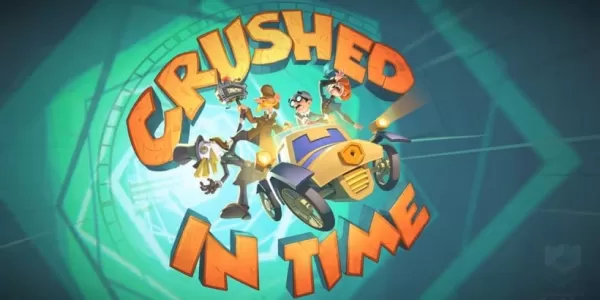 Crushed in Time brings Holmes and Watson back in this spin-off of There is No Game
Crushed in Time is the latest spin-off title from There Is No GameDraw Me a Pixel brings Holmes and Watson back for a delightfully absurd new adventureDive into a point-and-click puzzler that transports you through various stages of game developmentL
Oct 20,2026 - ◇ Trouble over visiting safe border Crossword Clue - Try Hard Guides Oct 20,2026
- ◇ Samsung Galaxy XR Headset Is Now Available Oct 18,2026
- ◇ The Sims Mobile to Shut Down After Final Event Oct 18,2026
- ◇ One paid on channel to provide content Crossword Clue - Try Hard Guides Oct 09,2026
- ◇ Top 13 Scariest Junji Ito Horror Stories Oct 07,2026
- ◇ Abyss of Dungeons unleashes the new Bard class on the unsuspecting ears of adventurers Oct 07,2026
- ◇ Top Strategies for Success in Steal A Brainrot on Roblox Oct 06,2026
- ◇ Play Together Embraces Life4Cuts Photo Booth Collaboration Oct 06,2026
- ◇ The Asus Prime Geforce RTX 5080 Graphics Card Is Available at MSRP from Amazon Oct 04,2026
- ◇ PUBG Joins InZOI With AI-Powered Co-Op Characters Oct 04,2026
- 1 Roblox Game Codes Updated: April 2025 May 13,2025
- 2 The Best Gaming PC of 2025: Top Prebuilt Desktops Mar 26,2025
- 3 Roblox Forsaken Characters Tier List [UPDATED] (2025) Apr 03,2025
- 4 Idle Heroes Team Compositions – January 2025 Mar 16,2025
- 5 Roblox: Warrior Cats: Ultimate Edition Codes (January 2025) Feb 12,2025
- 6 Fortnite: Chapter 6 Season 1 NPC Locations Feb 13,2025
- 7 Pokémon GO Fest 2025: Fest Dates, Locations, Details Revealed Feb 13,2025
- 8 Tips to Conquer the Dragon Quest III: HD-2D Remake Feb 21,2025



-
Unique Wallpaper Apps for Every Style
A total of 10
-
Top Beauty Trends for This Season
A total of 10
-
Top Free Shooting Games on Google Play
A total of 10