

Clip Studio Paint
- Art & Design
- 3.0.4
- 608.68 MB
- by CELSYS,Inc.
- Android Android 11+
- Dec 31,2024
- Package Name: jp.co.celsys.clipstudiopaint.googleplay
Clip Studio Paint APK: A Comprehensive Guide to Digital Art on Android
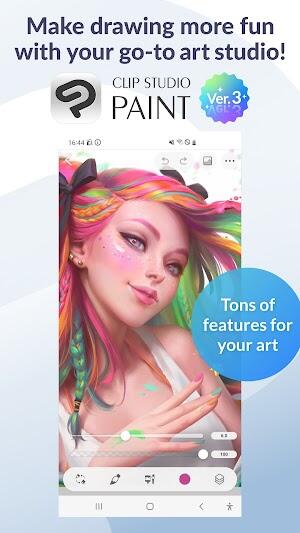
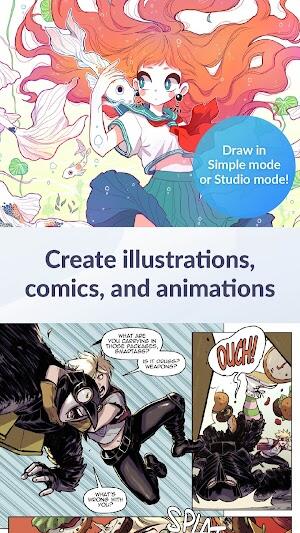
Clip Studio Paint APK, developed by CELSYS, Inc., is a top-grossing art app on Google Play, designed for creative minds seeking a robust digital painting and drawing experience. This app elevates the mobile art scene on Android devices, providing artists with an intuitive interface combined with powerful tools and features, making it a preferred choice for professionals and hobbyists alike. Whether you're looking to sketch, paint, or animate, Clip Studio Paint offers a comprehensive suite of tools that cater to all levels of artistic endeavor.
Reasons Why Users Love Clip Studio Paint
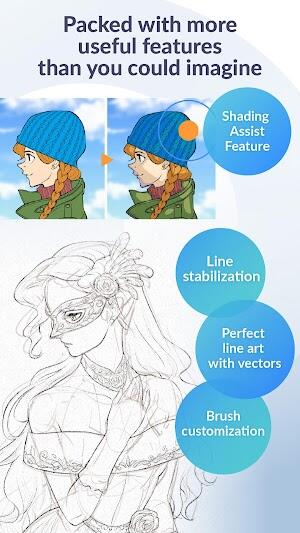
Clip Studio Paint is revered among digital artists for its Professional-Level Art capabilities. This app enables the creation of intricate and high-quality artwork with precision and ease. The advanced toolset not only supports layered composition but also includes Vector Support, ensuring that every stroke remains crisp and scalable at any resolution. Artists can utilize this feature to maintain the quality of their work, no matter the project size.
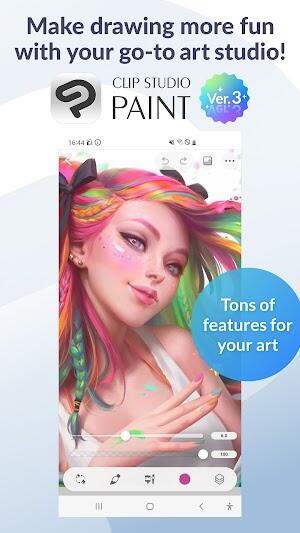
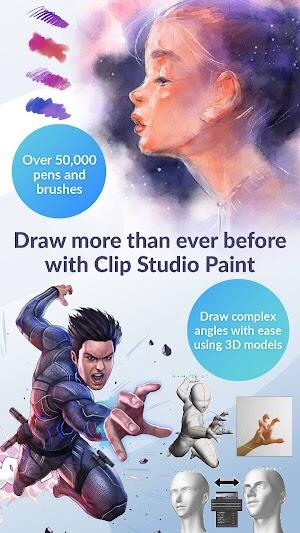
Another reason Clip Studio Paint is a favorite among creatives is its Fluid Drawing Experience and Vast Brush Library. With over 50,000 brushes available, users can find the perfect tool for every texture and style. The Timelapse Feature adds an innovative touch, allowing artists to record their process and share their artistic journey with others, making it not just a tool for creation but also a means of engagement and storytelling.
How Clip Studio Paint APK Works
Creating a New Canvas: Start your digital art project in Clip Studio Paint by selecting the 'New' option from the file menu. Choose your canvas size, shape, and resolution to perfectly suit your artistic needs.
Sketching and Reference Material: This app allows artists to import reference materials directly into their workspace. Once added, create a new layer specifically for sketching. Utilize tools such as pencils, pastels, or pens, which are tailored for different drawing techniques and effects.
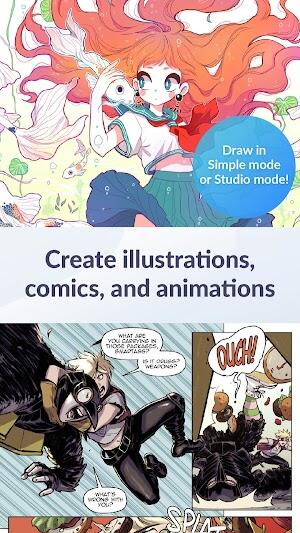
Refining Your Art: After laying down initial sketches, delve deeper into the creative process. Clip Studio Paint offers a myriad of brushes and pen options. Adjust settings like brush size and opacity to achieve the desired effect. For final touches, explore various blending tools that enhance texture and depth, bringing your artwork to life.
Features of Clip Studio Paint APK
Layered Artwork Creation: Clip Studio Paint supports the creation of up to 10,000 layers, allowing for extremely detailed and complex artworks. This feature is essential for artists who work on intricate designs and need the flexibility to edit various elements independently.
Color Control and Gradient Maps: Enhance your artwork with advanced color options. The app includes gradient maps that provide superior control over color transitions and effects, helping artists achieve exactly the look they're aiming for.
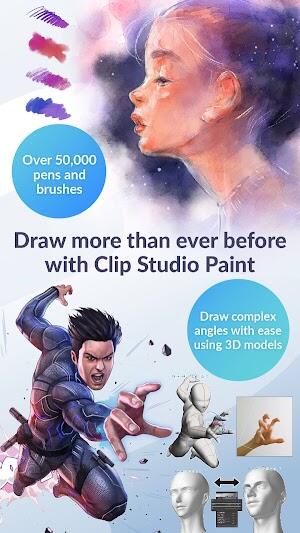
Customizable Brushes and Tools: Tailor your drawing tools to suit any artistic style. Clip Studio Paint offers over 50,000 brushes, thanks to its vast library accessible through Clip Studio Assets. Whether it’s fine lines or bold strokes, every artist finds tools that match their needs.
Reference Material and Sketching: Easily import and manage reference materials right within the app. Sketch directly over these materials using a variety of sub-tools like pencils, pastels, and pens, each offering different textures and effects.
Blending and Finishing Touches: The app comes equipped with blending tools that smooth transitions and integrate elements seamlessly. Experiment with these to add depth and realism to your art. Furthermore, Clip Studio Paint provides a range of finishing tools that ensure your final artwork is polished and ready for presentation.
3D Model Posing: Utilize integrated 3D models to overcome difficult angles and complex poses. Adjust the models as needed to serve as a base for your sketches, enhancing both accuracy and proportion in your drawings.
Liquify Tool: This powerful feature allows artists to adjust line art and colors simultaneously on multiple layers, providing flexibility and precision for refining artwork after the initial stages of creation.
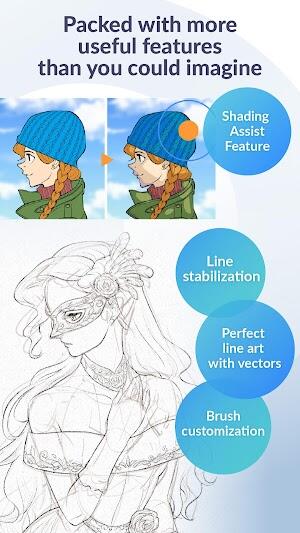
Vector Line Tools: Draw with vectors to maintain clarity at any scale. Vector tools in Clip Studio Paint are perfect for projects that require resizing without quality loss, making it ideal for both web and print media.
Timelapse Recording: Document your creative process with the timelapse feature. This allows artists to record their work as they go, creating engaging videos that can be shared with audiences on social media or used for educational purposes.
These robust features make Clip Studio Paint one of the most comprehensive digital art apps available today, catering to both professional artists and hobbyists alike.
Tips to Maximize Clip Studio Paint 2024 Usage
Explore the Vast Brush Library: Take advantage of the Vast Brush Library in Clip Studio Paint to discover new tools that can transform your artwork. Experiment with different brushes to find those that best suit your style and project needs.
Utilize Vector Support: For artworks that may need scaling, Vector Support is crucial. Use vector layers to ensure that your drawings maintain their quality no matter how much you zoom in or resize.
Leverage the Timelapse Feature: The Timelapse Feature is perfect for artists who want to share their creative process or review their progression on a project. It’s a powerful tool for engaging with your audience and adding an educational layer to your artwork.
Customize Your Workspace: Tailor the Clip Studio Paint interface to fit your workflow. Arrange toolbars and palette layouts to maximize efficiency and comfort, ensuring a Fluid Drawing Experience every time you work.
Regularly Update Your Software: Keep your app up to date to benefit from the latest tools, features, and security enhancements. Regular updates ensure that you have access to the most cutting-edge capabilities for Professional-Level Art creation.
Back Up Your Work: Utilize the auto-save feature and consider setting up cloud backups. This ensures that you never lose a piece of art, no matter what happens.
Learn Keyboard Shortcuts: Speed up your workflow by mastering keyboard shortcuts in Clip Studio Paint. This can significantly reduce drawing time and increase productivity.
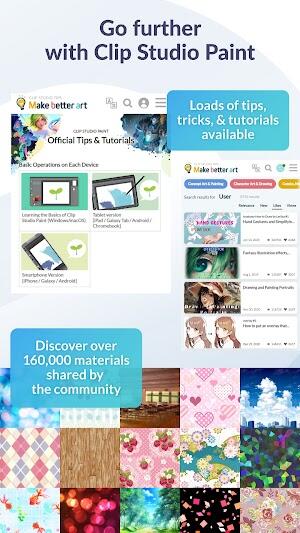
Participate in Community Forums and Tutorials: Engage with other users in the Clip Studio Paint community to learn new techniques and get feedback on your work. Watching tutorials can also help you utilize the app’s full potential.
These tips can help you optimize your use of Clip Studio Paint, enhancing both the quality of your art and your overall drawing experience.
Conclusion
Get Clip Studio Paint now and enter a world where your imagination combines with state-of-the-art digital art tools. This application is created to assist artists of all levels, offering a wide range of functions that encourage a dynamic and creative art-making process. Whether you are new and want to enhance your abilities or an experienced artist looking to improve your work, Clip Studio Paint MOD APK provides you with all the necessary tools to create beautiful, top-notch digital artwork. Embrace this efficient software and bring your artistic ideas to life.












-
Dune: Awakening Beta Delayed 3 Weeks for Updates
Dune: Awakening, the upcoming open-world survival MMO inspired by Frank Herbert's iconic sci-fi novels and Denis Villeneuve’s films, has been postponed to June 10, 2025.Developer Funcom shared the announcement while confirming that players eager for
Dec 19,2025 -
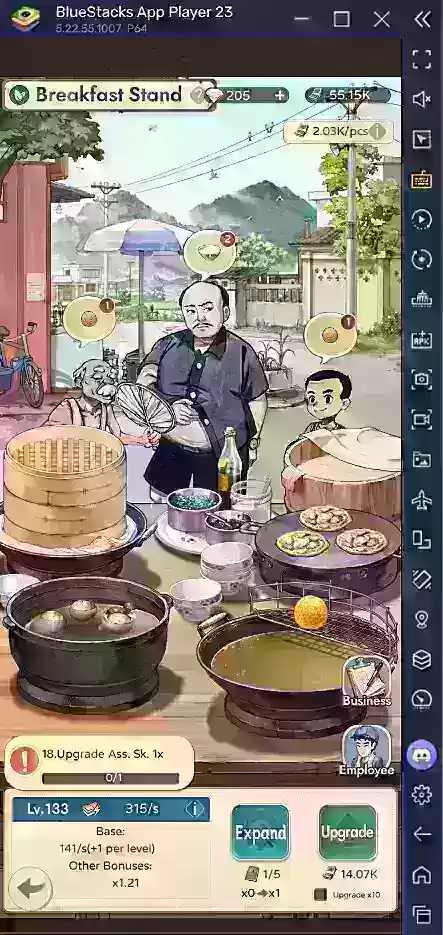 My Memory Shop's Full Dish Cooking Guide
My Memory Shop – Global is a heartwarming mobile simulation game that combines storytelling, nostalgic charm, and store management into an engaging emotional journey. Set in a picturesque town brimming with cherished memories and lively characters, p
Dec 19,2025 - ◇ Final Fantasy 14 Could Come to Switch 2, Says Yoshi-P Dec 19,2025
- ◇ Nintendo Confirms Summer Game Fest 2025 Return Dec 18,2025
- ◇ KC:D 2 - 10 Essential Starter Tips Dec 18,2025
- ◇ World of Warships Legends April Update Adds TMNT Crossover Dec 18,2025
- ◇ Nintendo's Next Switch to Feature Hit Fighter Dec 18,2025
- ◇ Figment Free on Epic Games Store This Week Dec 17,2025
- ◇ Sony WH-1000XM4 Headphones Slashed by 50% Dec 17,2025
- ◇ Spider-Man Joins Magic: The Gathering Dec 17,2025
- ◇ PS5 Astro Bot Bundle, PS Portal, DualSense Deals Dec 17,2025
- ◇ "Oblivion Remastered Sees Low Main Quest Engagement" Dec 16,2025



- 1 Fortnite: Chapter 6 Season 1 NPC Locations Feb 13,2025
- 2 Roblox: Warrior Cats: Ultimate Edition Codes (January 2025) Feb 12,2025
- 3 Culinary Journey Thrives for Six Jan 01,2025
- 4 Roblox Game Codes Updated: April 2025 May 13,2025
- 5 Pokémon Go Is Celebrating New Year’s 2025 with Festive Fireworks and More! Jan 03,2025
- 6 Tips to Conquer the Dragon Quest III: HD-2D Remake Feb 21,2025
- 7 How To Fix Common Marvel Rivals Error Codes Feb 20,2025
- 8 Marvel Rivals' Rank Reset Details Unveil Feb 11,2025





-
Unique Wallpaper Apps for Every Style
A total of 10
-
Top Beauty Trends for This Season
A total of 10
-
Ultimate Baseball Games for Android
A total of 10











