
Stream Netflix in 4K: Simple Guide for Non-4K Users
Streaming platforms like Netflix and Max have revolutionized how we consume media, bringing everything from reality TV to cinephile favorites right into our living rooms. Gone are the days of risking a 'Chicken Jockey' mishap on the way to the cinema. Instead, you can enjoy blockbuster movies and gripping series from the comfort of your couch. But how can you ensure a cinematic experience at home? Our guide on streaming Netflix in 4K will walk you through everything you need to know.
How to Stream Netflix in 4K
Before diving into 4K streaming, it's crucial to check your Netflix subscription plan. Not all plans support 4K streaming. The Streaming (with Ads) and Standard plans are limited to 1080p resolution. To enjoy 4K content, you'll need the Premium Plan, the highest-tier option available.
Here are the current Netflix US plans and their prices:
- Standard with ads: $7.99 per month (No 4K)
- Standard: $17.99 per month (No 4K)
- Premium: $24.99 per month (4K streaming)
Do you have the right equipment for 4K?
Next, ensure your hardware can handle 4K streaming. Your monitor or smart TV must support a 4K resolution of 3840 x 2160. If you're using an external streaming device like a Fire Stick or an Apple TV, it must also support 4K. Additionally, the HDMI cables connecting these devices to your TV should be up to the task. Netflix recommends using a Premium High Speed HDMI or Ultra High Speed HDMI cable for 4K streaming.
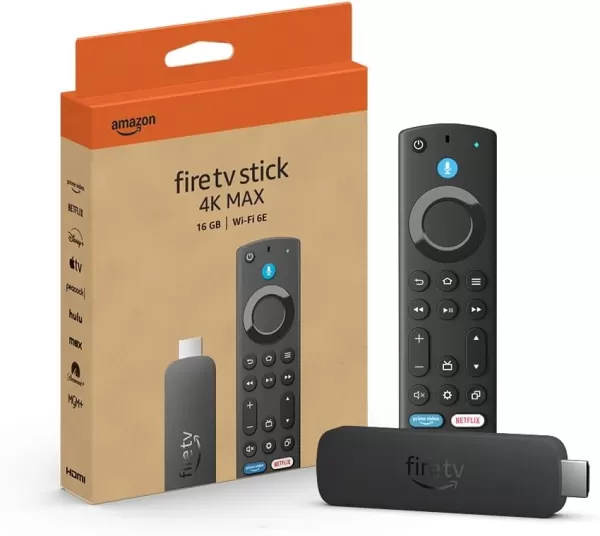
Amazon Fire TV Stick 4K Max
1See it at Amazon
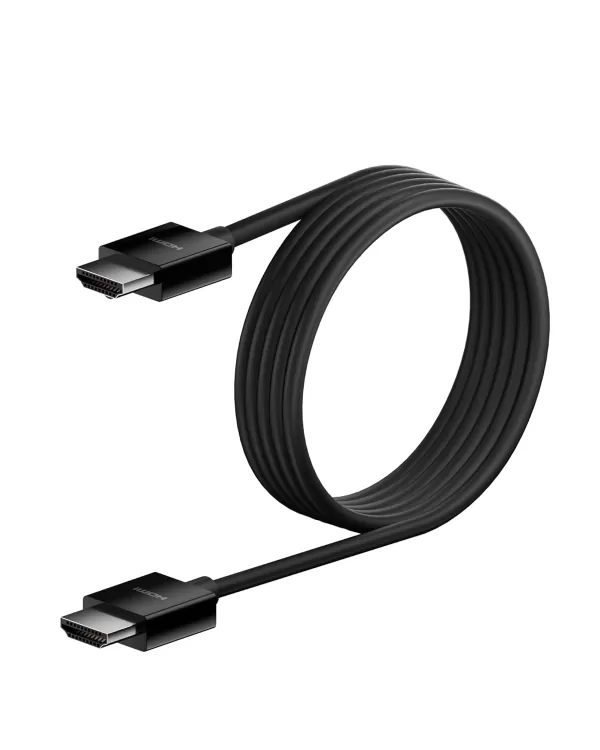
Belkin HDMI 2.1 Ultra High Speed
1See it at Amazon

LG 65" Class OLED evo C4
0See it at Amazon
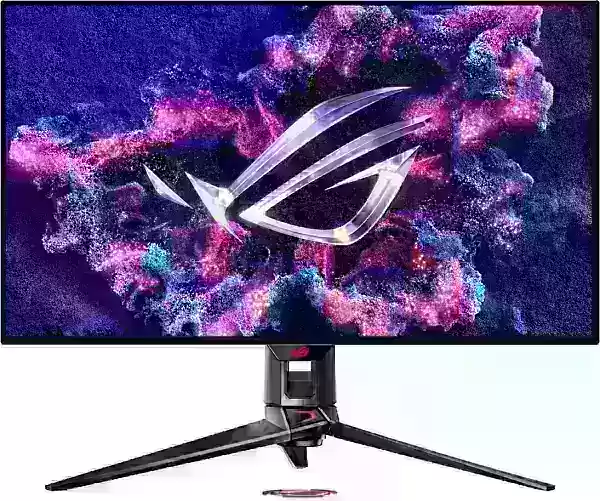
Asus ROG Swift PG32UCDP
0See it at Best Buy
Check your playback settings
Once you've confirmed your subscription and hardware, it's time to adjust your playback settings. Log into your Netflix account on your PC, click on your profile icon, and select 'Manage Profiles'. Choose the account you want to stream 4K content from, scroll down to the Playback Settings, and set it to 'High'. This setting will enable 4K streaming for content that supports it.
Keep in mind that selecting 'High' might lead to more buffering or freezing if your internet connection isn't robust enough. Also, be aware that streaming in 4K consumes more data, which could quickly deplete your mobile data allowance.
Are There Other Ways to Watch Netflix Movies and Shows in 4K?
While digital streaming is the norm, physical media like Blu-Ray is experiencing a revival. Some popular Netflix titles, such as Daredevil, Arcane, The Crown, Stranger Things, and Wednesday, are available on Blu-Ray. Owning physical copies can be a safeguard against shows being removed from streaming platforms, ensuring you can enjoy your favorites indefinitely—or until disc drives become obsolete.
![Arcane: League of Legends - Season One - Limited Edition Steelbook 4K Ultra HD + Blu-ray [4K UHD]](https://images.ddumu.com/uploads/94/680865e754098.webp)
Arcane: League of Legends - Season One - Limited Edition Steelbook 4K Ultra HD + Blu-ray [4K UHD]
13See it at Amazon













- 1 Roblox Game Codes Updated: April 2025 May 13,2025
- 2 The Best Gaming PC of 2025: Top Prebuilt Desktops Mar 26,2025
- 3 Idle Heroes Team Compositions – January 2025 Mar 16,2025
- 4 Roblox Forsaken Characters Tier List [UPDATED] (2025) Apr 03,2025
- 5 Tips to Conquer the Dragon Quest III: HD-2D Remake Feb 21,2025
- 6 Roblox: Warrior Cats: Ultimate Edition Codes (January 2025) Feb 12,2025
- 7 Pokémon GO Fest 2025: Fest Dates, Locations, Details Revealed Feb 13,2025
- 8 Fortnite: Chapter 6 Season 1 NPC Locations Feb 13,2025





-
Unique Wallpaper Apps for Every Style
A total of 10
-
Top Beauty Trends for This Season
A total of 10
-
Ultimate Baseball Games for Android
A total of 10











