Cut and move pictures
- Art & Design
- 4.5
- 29.8 MB
- by Xenia Smirnova
- Android 7.0+
- May 30,2026
- Package Name: com.pimurart.cutpastephotos
Photo crop, lasso and overlay - a simple hand tool
Convenient simple image editor just for cropping and overlaying photos. Simple tools. Nothing extra!
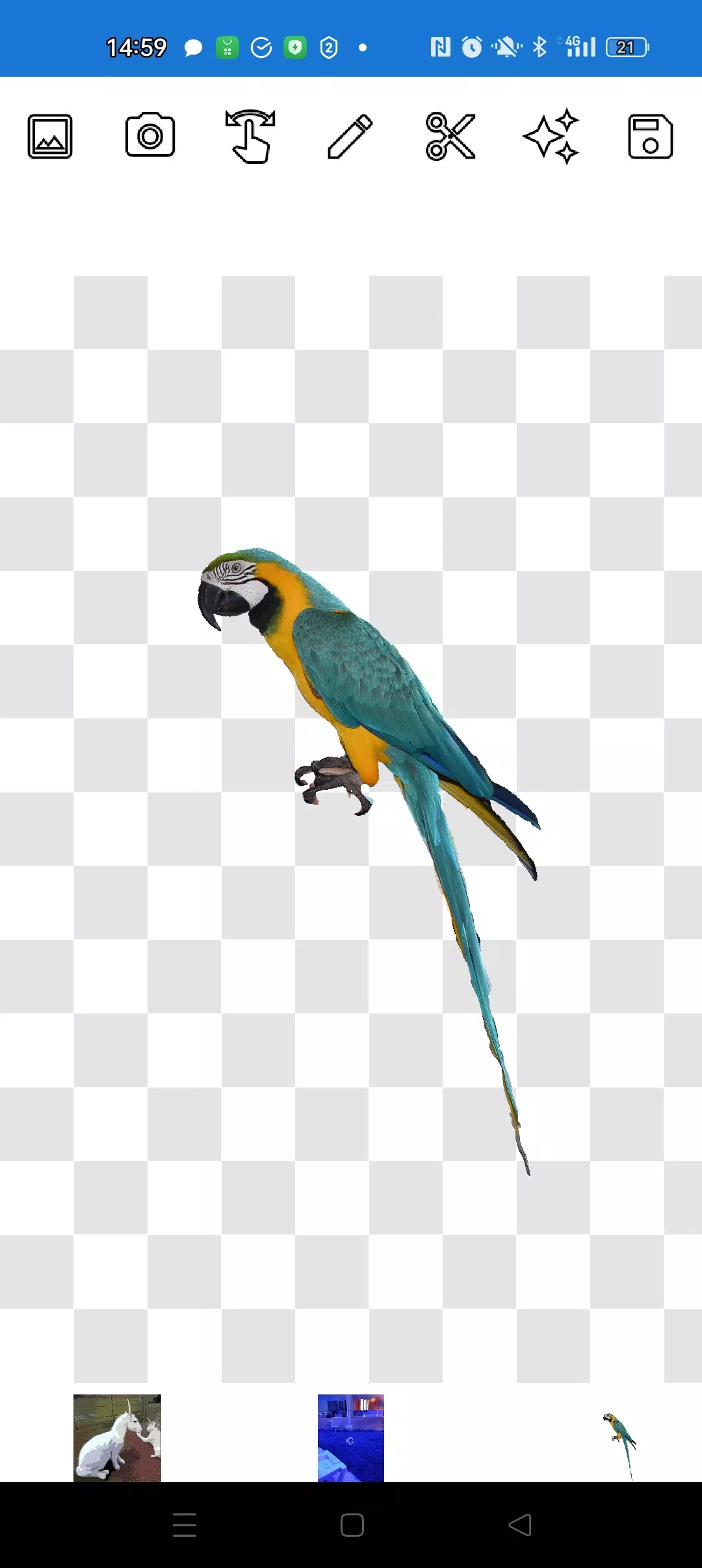
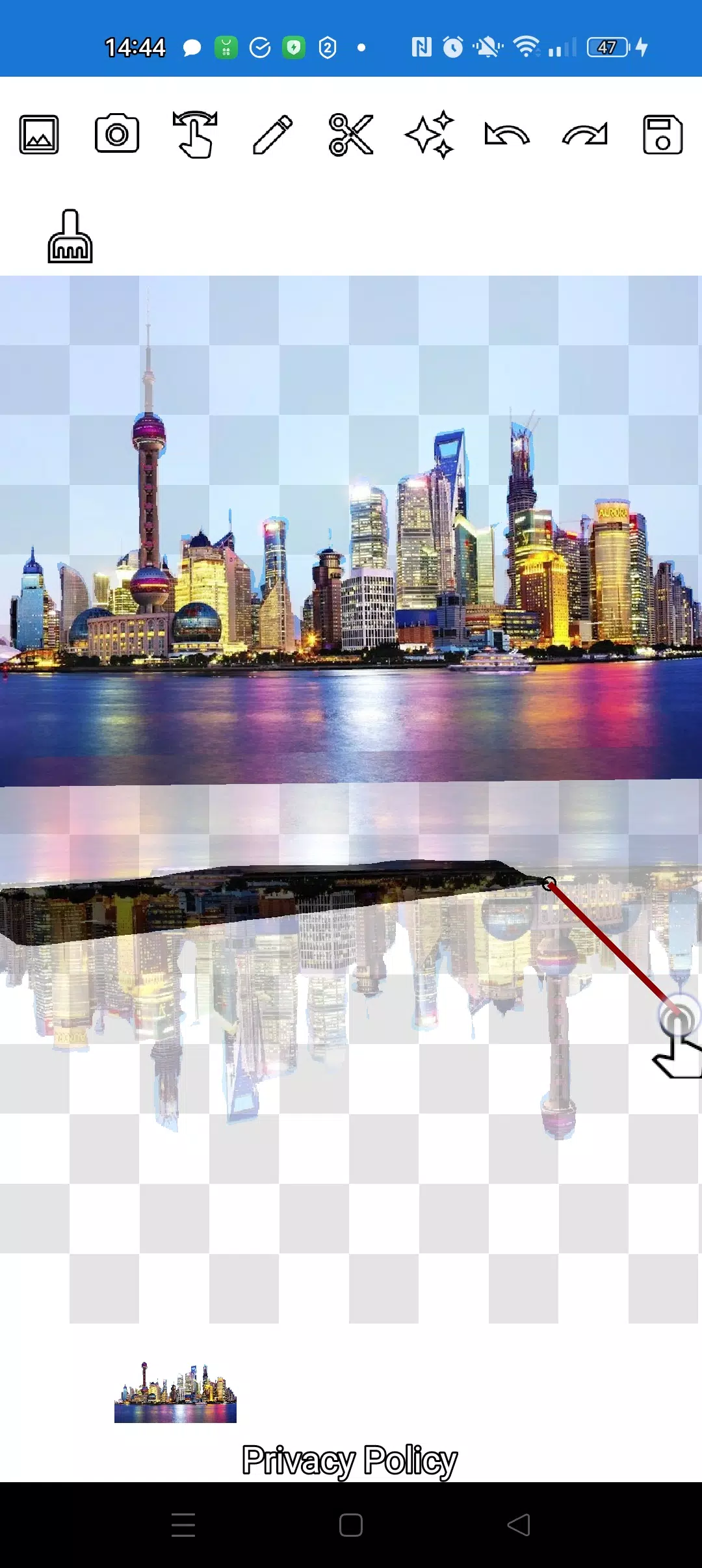
The application will allow you to cut a photo along the contour and overlay it on another photo.
You can cut out absolutely any object, even the smallest one in any photo, as you can cut it out using two handy tools: the pencil ✏️ and the lasso.
The pencil draws your picture and, at the desired transparency, turns into an eraser. Choose any pencil width. To make the object translucent, select medium transparency of the pencil. Edit edges - manipulate transparency.
You can click on the "magic" tool next to the save button: it will allow you to make objects fit perfectly into the background.
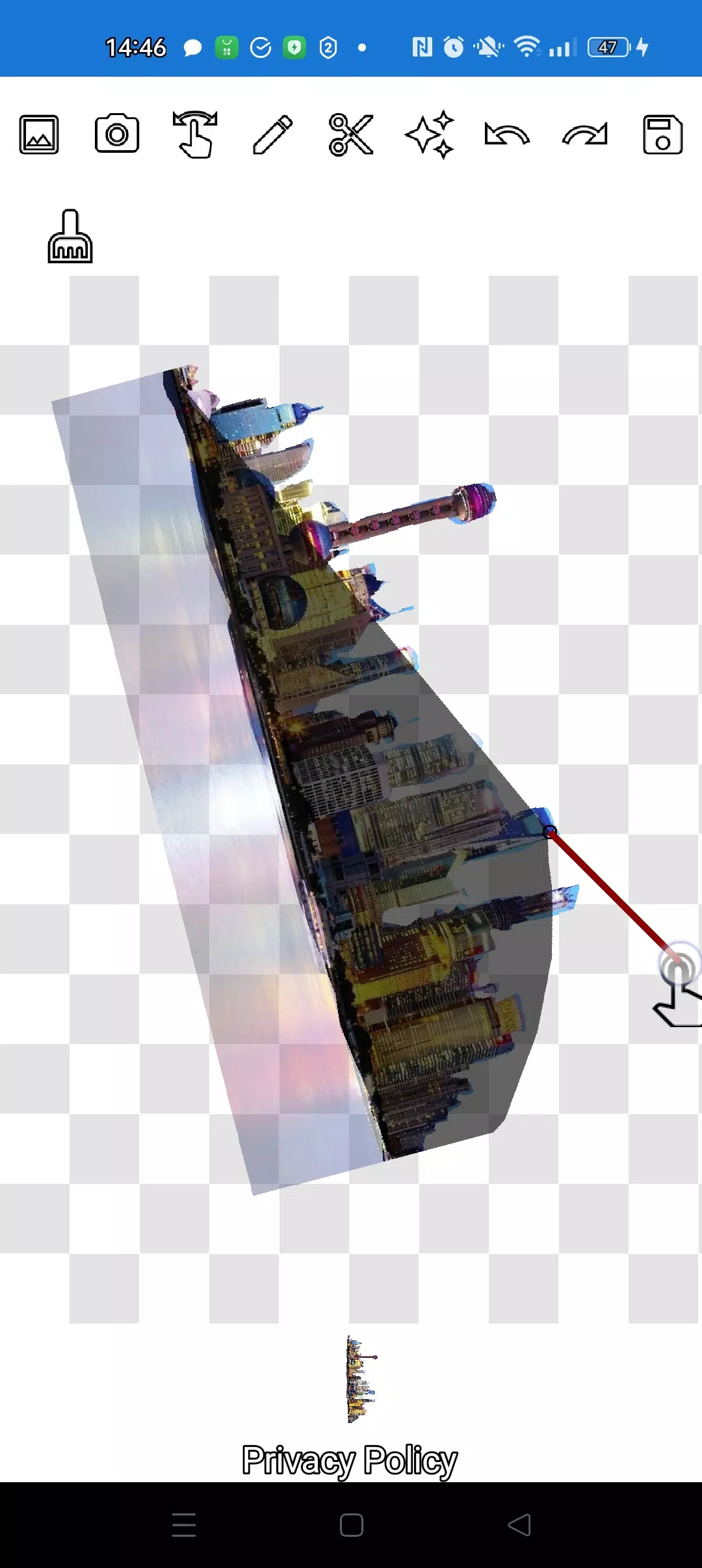
To crop even the most complex object, you can greatly enlarge the image in manipulation mode (finger), and carefully trim the outline with a pencil or lasso.
You can create complex compositions of objects and applications in just a few minutes!
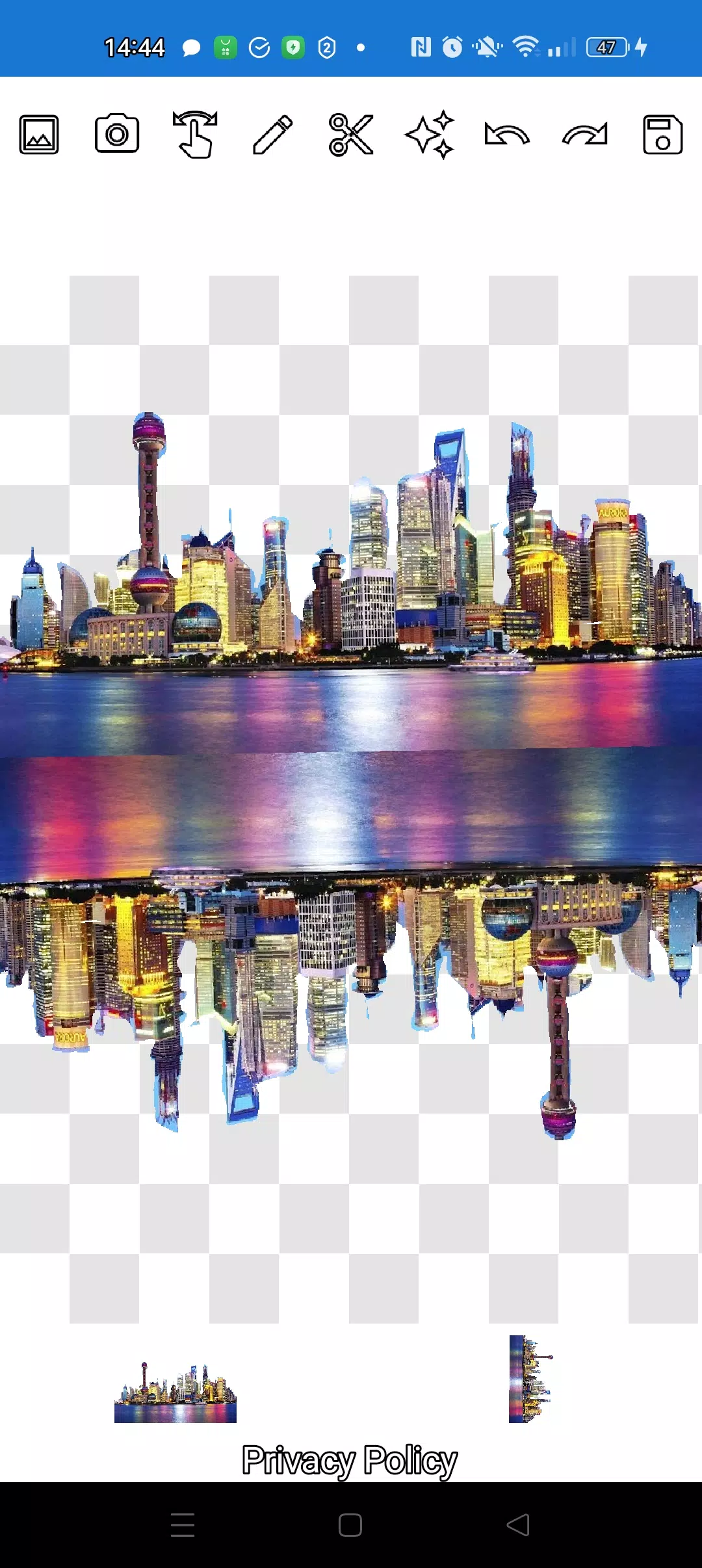
Layer as many objects as you want on top of each other. To do this, simply select several photos from the gallery, crop several of them along the contour, and leave one as the background, arrange the pictures beautifully, and then save the composition to the gallery. Tip: first select an overlay image so that it is convenient to cut, and then select a background - the overlay image will not disappear anywhere. Just click on the overlay layer at the bottom and the overlay will move to the top.
If you don't like some picture on the screen, swipe it so that it is almost completely hidden and it will be deleted.
Saving works by cropping the area. You choose the rectangular area in crop mode that you want to save. Just select an area with a rectangle and click the checkmark, the photo will be saved to the photo gallery.
Don't worry about the order of the pictures. The layers (pictures) are shown at the bottom of the screen. With one click on the layer, move the layer above the others. Everything is very simple! You control the order of objects and background.
The only thing that may confuse you is the mode you need (manipulation, pencil/eraser or lasso). After training in just a couple of minutes everything will be elementary!
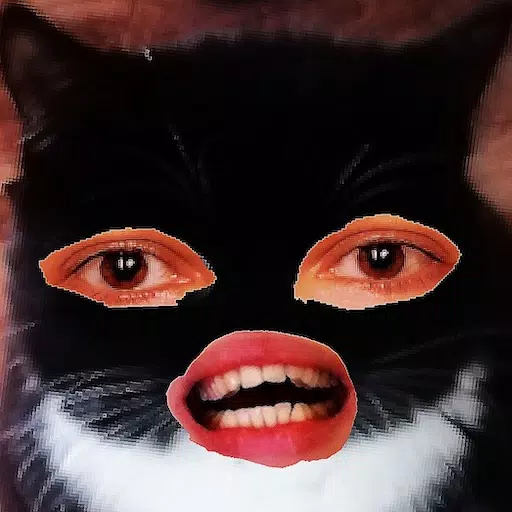
Delight your friends on social networks and instant messengers with unusual pictures. Make fakes, memes and jokes! Our application is a simple and convenient tool for all occasions, which can be useful both for memes on social networks and for businesses, websites, logos and banners, when there is no full-fledged editor at hand, and time is running out in minutes.
Use the application anywhere: cafe, metro or airplane - the application works offline!
Simple technologies from Pimur.
Thank you for reading this text to the end. Be sure to share your feedback below - it is very important to us!)
What's New in the Latest Version 4.5
Last updated on Sep 17, 2024
Minor bug fixes and improvements. Install or update to the newest version to check it out!












-
 Sentries Crossword Clue - Try Hard Guides
We provide the 7-letter solution for the "Sentries" crossword clue, which appeared in the Thomas Joseph Crossword puzzle on May 18, 2026. This answer is designed to help you complete your current puzzle.Sentries Crossword Answer↓9. ??????? Click/tap
Oct 21,2026 -
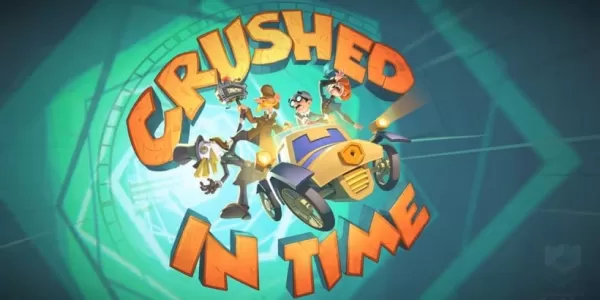 Crushed in Time brings Holmes and Watson back in this spin-off of There is No Game
Crushed in Time is the latest spin-off title from There Is No GameDraw Me a Pixel brings Holmes and Watson back for a delightfully absurd new adventureDive into a point-and-click puzzler that transports you through various stages of game developmentL
Oct 20,2026 - ◇ Trouble over visiting safe border Crossword Clue - Try Hard Guides Oct 20,2026
- ◇ Samsung Galaxy XR Headset Is Now Available Oct 18,2026
- ◇ The Sims Mobile to Shut Down After Final Event Oct 18,2026
- ◇ One paid on channel to provide content Crossword Clue - Try Hard Guides Oct 09,2026
- ◇ Top 13 Scariest Junji Ito Horror Stories Oct 07,2026
- ◇ Abyss of Dungeons unleashes the new Bard class on the unsuspecting ears of adventurers Oct 07,2026
- ◇ Top Strategies for Success in Steal A Brainrot on Roblox Oct 06,2026
- ◇ Play Together Embraces Life4Cuts Photo Booth Collaboration Oct 06,2026
- ◇ The Asus Prime Geforce RTX 5080 Graphics Card Is Available at MSRP from Amazon Oct 04,2026
- ◇ PUBG Joins InZOI With AI-Powered Co-Op Characters Oct 04,2026
- 1 Roblox Game Codes Updated: April 2025 May 13,2025
- 2 The Best Gaming PC of 2025: Top Prebuilt Desktops Mar 26,2025
- 3 Roblox Forsaken Characters Tier List [UPDATED] (2025) Apr 03,2025
- 4 Idle Heroes Team Compositions – January 2025 Mar 16,2025
- 5 Roblox: Warrior Cats: Ultimate Edition Codes (January 2025) Feb 12,2025
- 6 Fortnite: Chapter 6 Season 1 NPC Locations Feb 13,2025
- 7 Pokémon GO Fest 2025: Fest Dates, Locations, Details Revealed Feb 13,2025
- 8 Tips to Conquer the Dragon Quest III: HD-2D Remake Feb 21,2025





-
Unique Wallpaper Apps for Every Style
A total of 10
-
Top Beauty Trends for This Season
A total of 10
-
Top Free Shooting Games on Google Play
A total of 10