Cut and move pictures
- Diseño artístico
- 4.5
- 29.8 MB
- by Xenia Smirnova
- Android 7.0+
- May 30,2026
- Nombre del paquete: com.pimurart.cutpastephotos
Photo crop, lasso and overlay - a simple hand tool
Convenient simple image editor just for cropping and overlaying photos. Simple tools. Nothing extra!
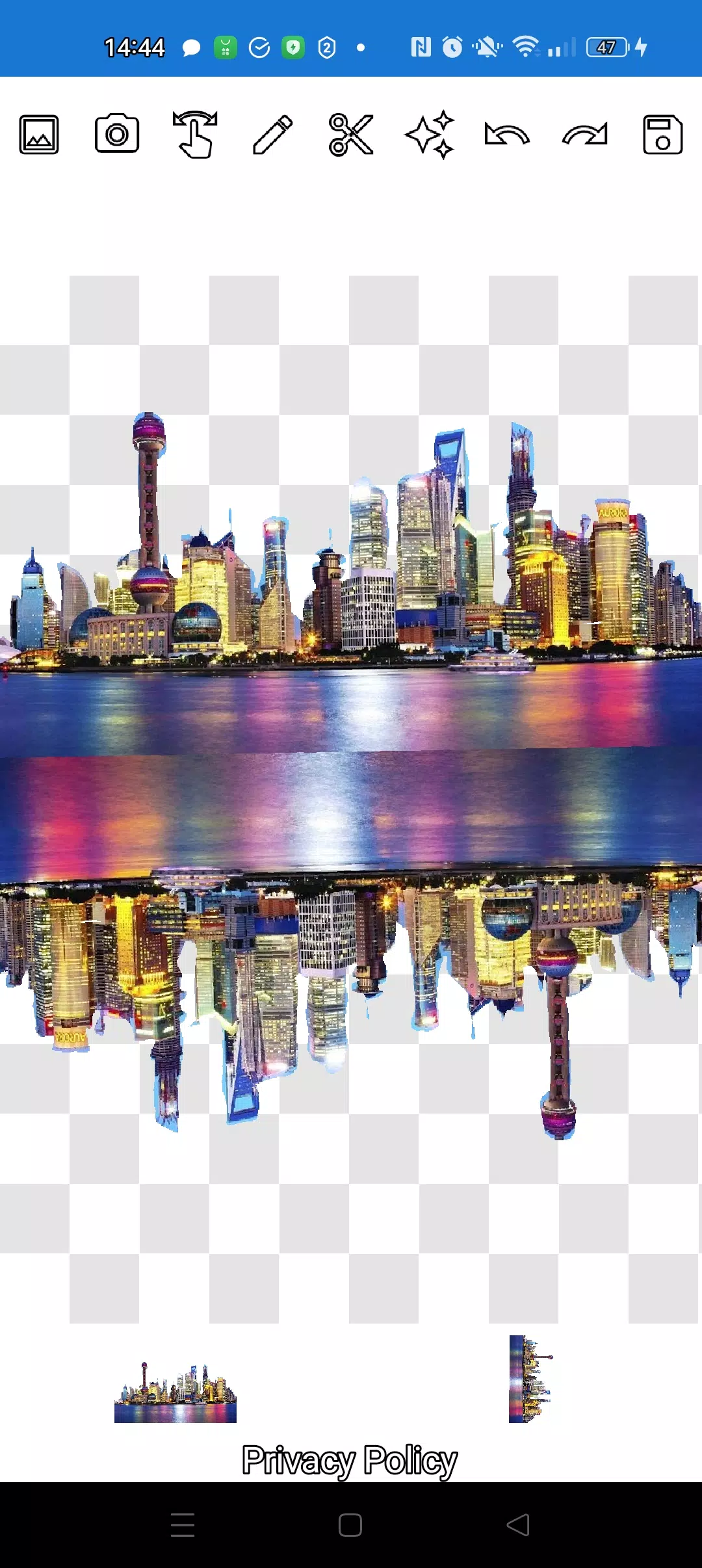
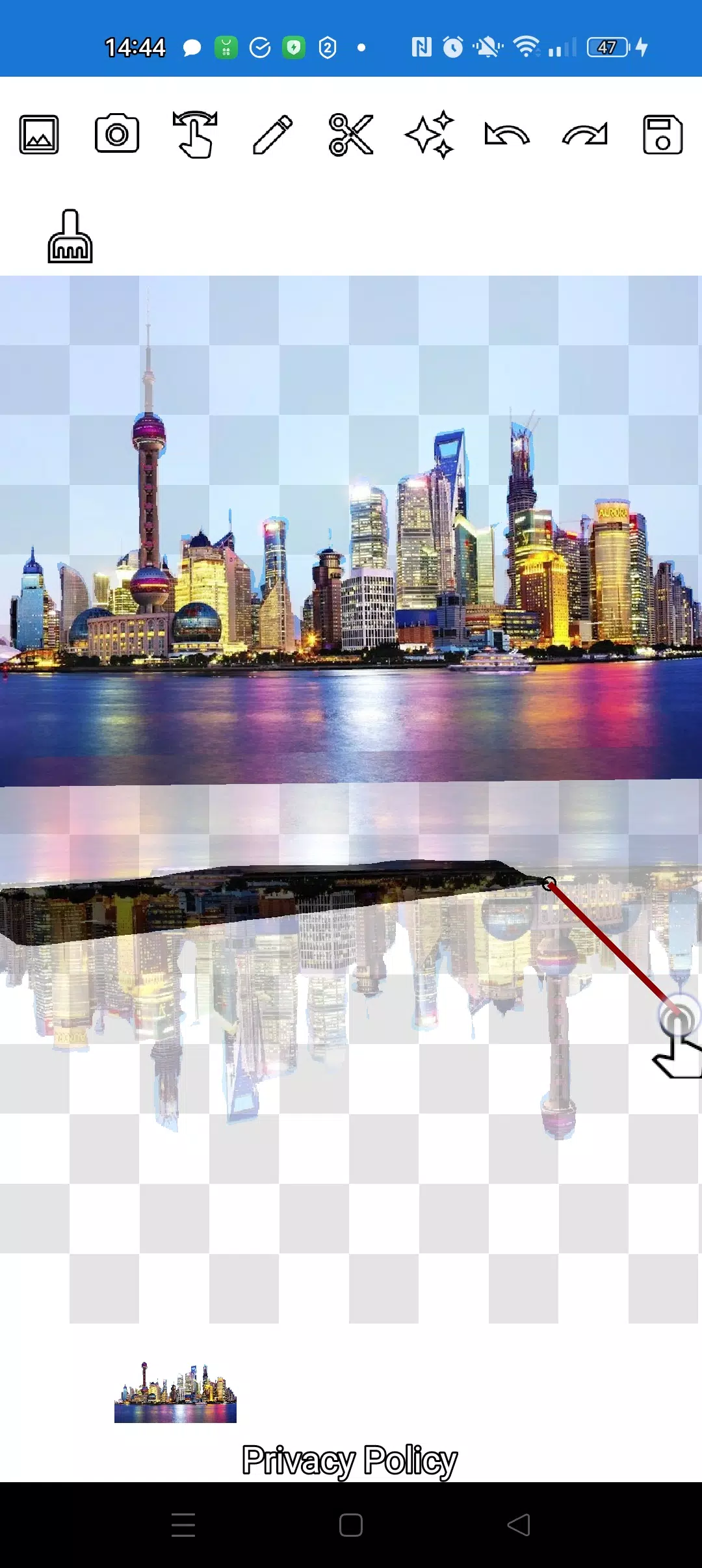
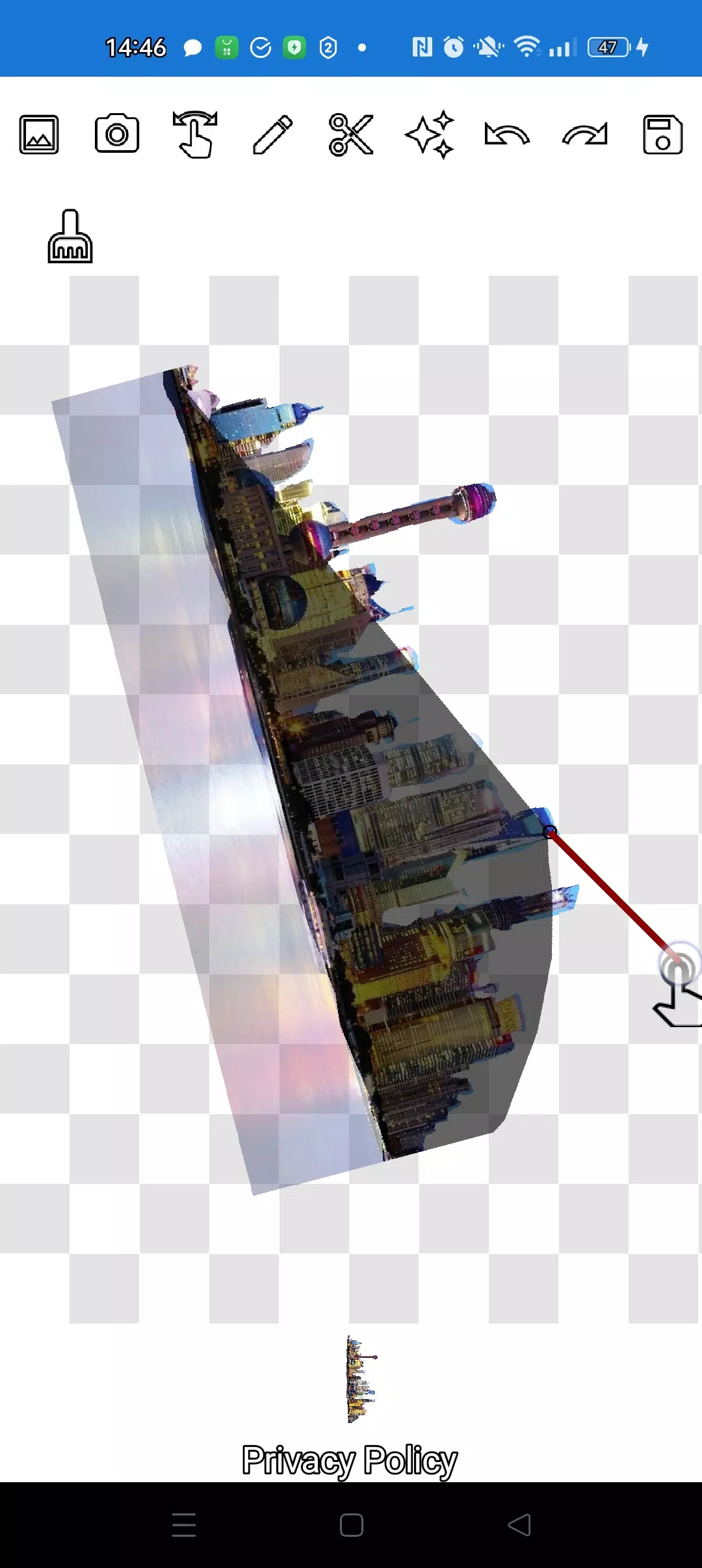
The application will allow you to cut a photo along the contour and overlay it on another photo.
You can cut out absolutely any object, even the smallest one in any photo, as you can cut it out using two handy tools: the pencil ✏️ and the lasso.
The pencil draws your picture and, at the desired transparency, turns into an eraser. Choose any pencil width. To make the object translucent, select medium transparency of the pencil. Edit edges - manipulate transparency.
You can click on the "magic" tool next to the save button: it will allow you to make objects fit perfectly into the background.
To crop even the most complex object, you can greatly enlarge the image in manipulation mode (finger), and carefully trim the outline with a pencil or lasso.
You can create complex compositions of objects and applications in just a few minutes!
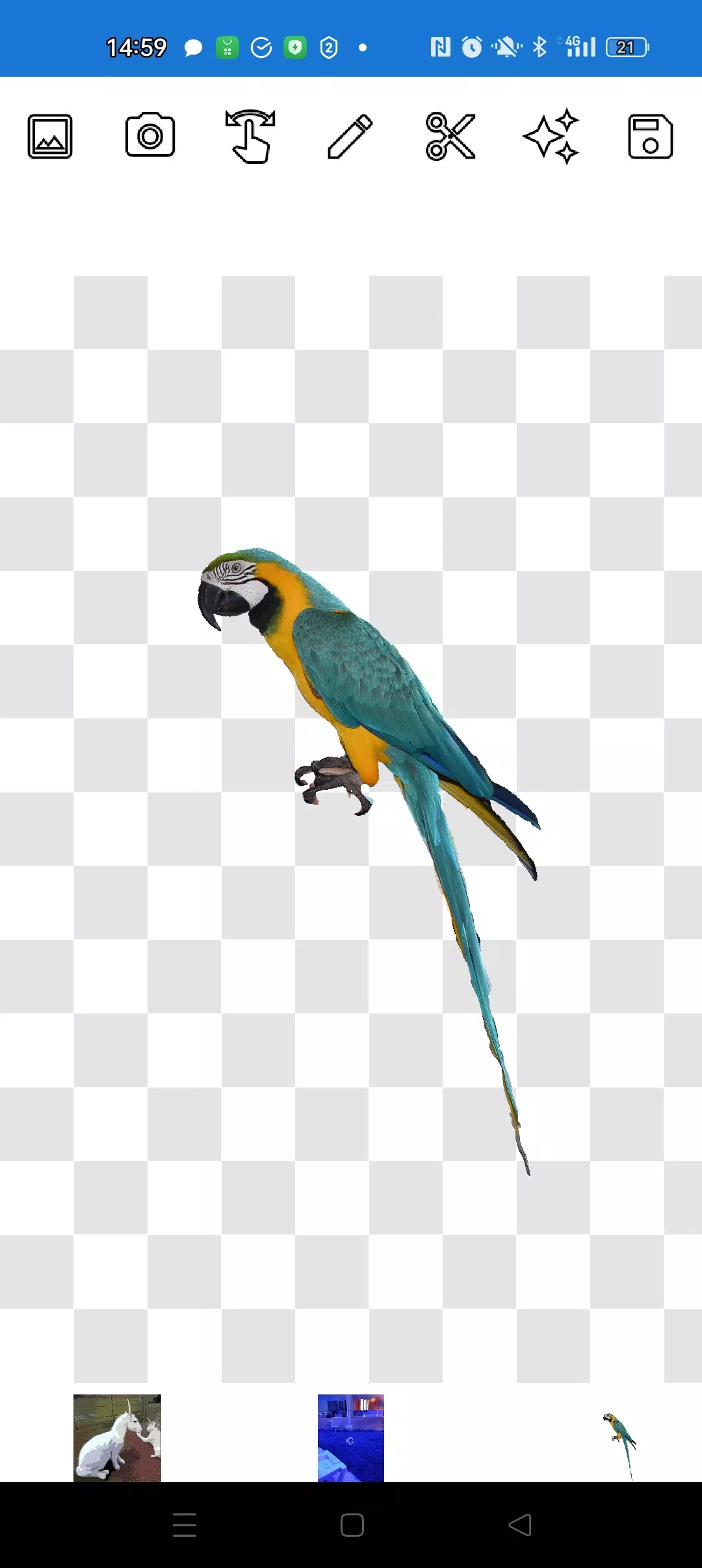
Layer as many objects as you want on top of each other. To do this, simply select several photos from the gallery, crop several of them along the contour, and leave one as the background, arrange the pictures beautifully, and then save the composition to the gallery. Tip: first select an overlay image so that it is convenient to cut, and then select a background - the overlay image will not disappear anywhere. Just click on the overlay layer at the bottom and the overlay will move to the top.
If you don't like some picture on the screen, swipe it so that it is almost completely hidden and it will be deleted.
Saving works by cropping the area. You choose the rectangular area in crop mode that you want to save. Just select an area with a rectangle and click the checkmark, the photo will be saved to the photo gallery.
Don't worry about the order of the pictures. The layers (pictures) are shown at the bottom of the screen. With one click on the layer, move the layer above the others. Everything is very simple! You control the order of objects and background.
The only thing that may confuse you is the mode you need (manipulation, pencil/eraser or lasso). After training in just a couple of minutes everything will be elementary!
Delight your friends on social networks and instant messengers with unusual pictures. Make fakes, memes and jokes! Our application is a simple and convenient tool for all occasions, which can be useful both for memes on social networks and for businesses, websites, logos and banners, when there is no full-fledged editor at hand, and time is running out in minutes.
Use the application anywhere: cafe, metro or airplane - the application works offline!
Simple technologies from Pimur.
Thank you for reading this text to the end. Be sure to share your feedback below - it is very important to us!)
What's New in the Latest Version 4.5
Last updated on Sep 17, 2024
Minor bug fixes and improvements. Install or update to the newest version to check it out!
-
Drawing Pad Pro - Sketchpad

-
How to draw weapons step by st
-
Ai Art Generator - Aiota Ai

-
T Shirt Design Maker – YoShirt
-
Draw Animation - Anim Creator
-
Livery Terbaru Bus Simulator Indonesia - BUSSID
-
Pierandrei Patrizia

-
DailyDesignist Artists

-
mother 0009

-
SketchPad - Doodle On The Go
-
Davide D'Apollo
-
MOD

-
T Shirt Design Pro - T Shirts
-
Sora

-
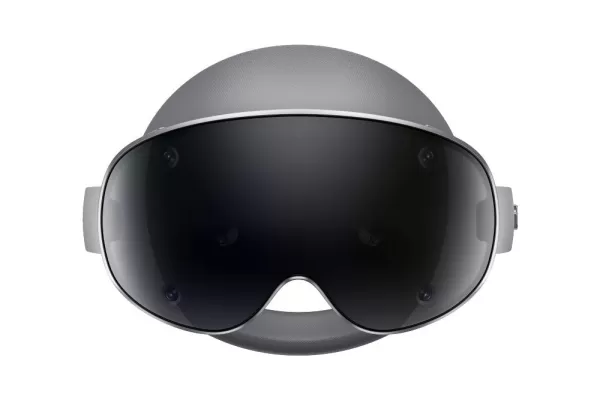 El auricular Samsung Galaxy XR ya está disponible
¿Listo para consentirte con tecnología de vanguardia? El auricular Galaxy XR de Samsung, un rival directo del Vision Pro de Apple, ya está disponible para su compra directa en el sitio web oficial de Samsung (consulta aquí). Con un precio premium de
Oct 18,2026 -
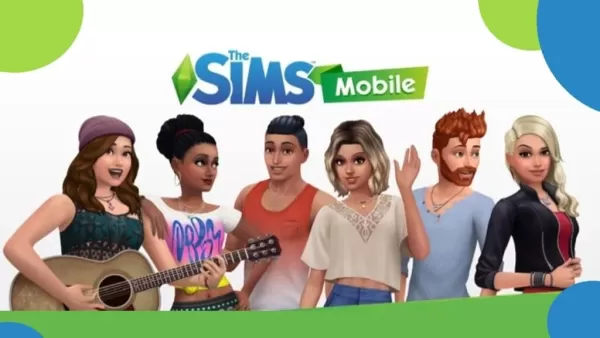 The Sims Mobile cerrará tras su evento final
Tras siete años en dispositivos móviles, llenos de construcción del hogar, creación de Sims y simulación de la vida virtual, The Sims Mobile llega a su fin. EA ha confirmado que los servidores del juego se desconectarán el 20 de enero de 2026, conclu
Oct 18,2026 - ◇ Pista de crucigrama: "One paid on channel to provide content" - Try Hard Guides Oct 09,2026
- ◇ Las 13 historias de terror más escalofriantes de Junji Ito Oct 07,2026
- ◇ El Abismo de Mazmorras presenta la nueva clase de Bardo ante los oídos desprevenidos de los aventureros Oct 07,2026
- ◇ Las mejores estrategias para tener éxito en Steal A Brainrot en Roblox Oct 06,2026
- ◇ Play Together se une a Life4Cuts para una colaboración de cabinas fotográficas Oct 06,2026
- ◇ La tarjeta gráfica Asus Prime GeForce RTX 5080 está disponible a precio de venta sugerido en Amazon Oct 04,2026
- ◇ PUBG se une a InZOI con personajes de co-ops impulsados por IA Oct 04,2026
- ◇ Dunk City Dynasty presentará nueva serie de contenidos para la cuarta temporada, incluida la figura de Dennis Rodman Oct 03,2026
- ◇ Mongil: Star Dive abre la preinscripción con ventajas exclusivas que se entregarán en el lanzamiento Oct 03,2026
- ◇ Chainsaw Man anuncia su primer juego oficial, ¡y será para móviles! Sep 30,2026
- 1 Códigos de juego de Roblox actualizados: abril de 2025 May 13,2025
- 2 La mejor PC para juegos de 2025: escritorios pre construidos superiores Mar 26,2025
- 3 Lista de nivel de caracteres abandonado de Roblox [Actualizado] (2025) Apr 03,2025
- 4 Composiciones del equipo de héroes inactivos - enero de 2025 Mar 16,2025
- 5 Pokémon GO Fest 2025: fechas de festival, ubicaciones, detalles revelados Feb 13,2025
- 6 Roblox: Gatos Guerreros: Ultimate Edition Códigos (enero 2025) Feb 12,2025
- 7 Fortnite: Capítulo 6 Temporada 1 Ubicaciones de NPC Feb 13,2025
- 8 Consejos para conquistar el Dragon Quest III: Remake HD-2D Feb 21,2025





-
Aplicaciones únicas de papel tapiz para cada estilo
Un total de 10
-
Las principales tendencias de belleza para esta temporada
Un total de 10
-
Los mejores juegos de disparos gratis en Google Play
Un total de 10