
How To Fix Marvel Rivals Compiling Shaders Slow on Launch
Many Marvel Rivals players are experiencing extended shader compilation times on launch. This guide offers a solution to significantly reduce this delay.
Addressing Slow Shader Compilation in Marvel Rivals
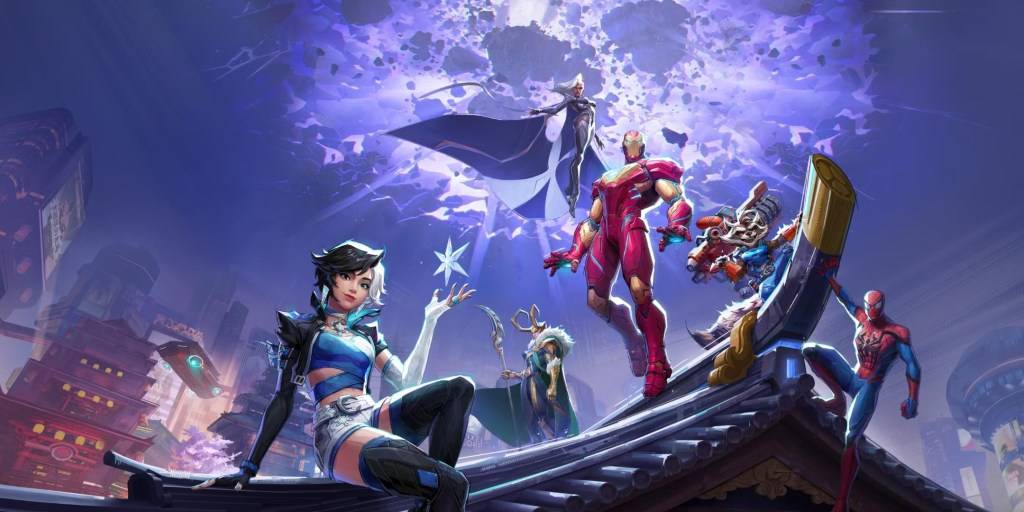
Game loading times can vary, but Marvel Rivals' lengthy shader compilation is a common frustration for PC players. Shaders are crucial for rendering 3D graphics correctly, and improper installation can lead to significant delays and errors.
A community-discovered workaround effectively addresses this problem:
- Access Nvidia Control Panel: Locate and open your Nvidia control panel.
- Adjust Shader Cache Size: Navigate to the global settings and find the Shader Cache Size option.
- Set a Lower Value: Choose a value less than or equal to your VRAM. Options are typically 5GB, 10GB, and 100GB; select the closest option to your VRAM capacity.
This adjustment often reduces shader compilation time to mere seconds and resolves "Out of VRAM memory" errors.
While a permanent fix from NetEase is pending, this method provides a quick solution to avoid lengthy loading times. This workaround is recommended until an official patch is released.
Marvel Rivals is currently available on PS5, PC, and Xbox Series X|S.













- 1 Roblox Game Codes Updated: April 2025 May 13,2025
- 2 The Best Gaming PC of 2025: Top Prebuilt Desktops Mar 26,2025
- 3 Idle Heroes Team Compositions – January 2025 Mar 16,2025
- 4 Roblox Forsaken Characters Tier List [UPDATED] (2025) Apr 03,2025
- 5 Fortnite: Chapter 6 Season 1 NPC Locations Feb 13,2025
- 6 Tips to Conquer the Dragon Quest III: HD-2D Remake Feb 21,2025
- 7 Roblox: Warrior Cats: Ultimate Edition Codes (January 2025) Feb 12,2025
- 8 Pokémon GO Fest 2025: Fest Dates, Locations, Details Revealed Feb 13,2025





-
Unique Wallpaper Apps for Every Style
A total of 10
-
Top Beauty Trends for This Season
A total of 10
-
Ultimate Baseball Games for Android
A total of 10











