
How to Fix Marvel Rivals Stuck at 99% Loading
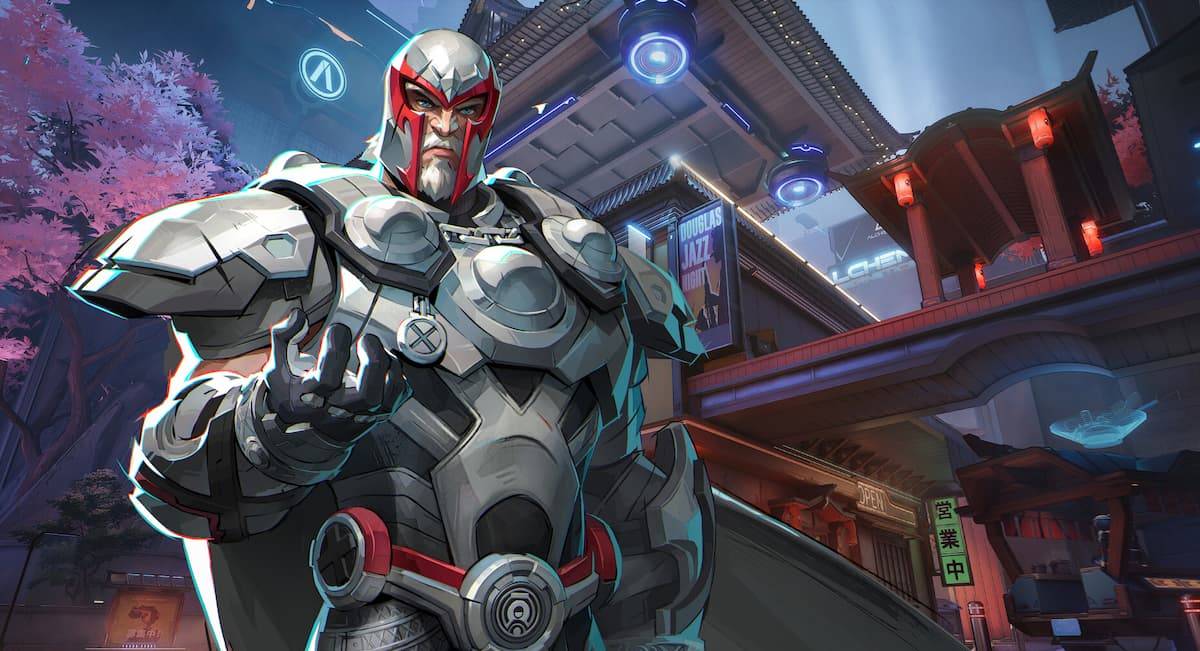
If you're an avid player of *Marvel Rivals*, the free-to-play PvP hero shooter, you might have encountered the frustrating issue of the game getting stuck at 99% during loading. Don't worry; there are several steps you can take to resolve this problem, especially if you're playing on a PC. For console players facing this issue, you might need to delete and reinstall the game or switch servers. Here’s how you can fix the 99% loading issue in *Marvel Rivals*.
Table of contents
- Marvel Rivals Stuck at 99% Loading Fixes
- Install the Game on an SSD
- Disable Your Firewall
- Fix Game Files
- Update Graphics Drivers
Marvel Rivals Stuck at 99% Loading Fixes
If *Marvel Rivals* is stuck at 99% while loading, don't panic. There are several solutions you can try to get back into the action. Keep in mind that these fixes are mainly for PC users. For those on consoles, you may need to consider more drastic measures like reinstalling the game or changing servers.
Install the Game on an SSD
For optimal performance, it's highly recommended to install *Marvel Rivals* on an SSD. While the game will still run on a HDD, using an SSD can drastically reduce load times and improve overall gameplay smoothness. By moving the game to an SSD, you might resolve the 99% loading issue.
Disable Your Firewall
Some players have found success by temporarily disabling their firewall, such as Windows Defender. This can help alleviate the loading problem in *Marvel Rivals*. Remember to re-enable your firewall after troubleshooting to maintain your system's security.
Fix Game Files
A classic solution that often works is to verify the integrity of your game files. On Steam, right-click *Marvel Rivals*, go to Properties, and then select 'Verify Integrity of Game Files'. This process can repair any corrupted files and potentially resolve the 99% loading issue.
Update Graphics Drivers
Ensuring your graphics drivers are up-to-date is crucial. While outdated drivers might not prevent the game from running, they can impact performance and contribute to loading issues. Update your GPU drivers to the latest version to optimize your gameplay experience in *Marvel Rivals*.
If all else fails, consider reinstalling the game. This can often be the final step to resolving persistent issues.
By following these steps, you should be able to fix the 99% loading issue in *Marvel Rivals* and get back to enjoying your favorite heroes in action. For more tips and information on *Marvel Rivals*, including how to achieve the Shero of Wakanda achievement and details on the Competitive rank reset, be sure to check out The Escapist.













- 1 Roblox Game Codes Updated: April 2025 May 13,2025
- 2 The Best Gaming PC of 2025: Top Prebuilt Desktops Mar 26,2025
- 3 Idle Heroes Team Compositions – January 2025 Mar 16,2025
- 4 Roblox Forsaken Characters Tier List [UPDATED] (2025) Apr 03,2025
- 5 Tips to Conquer the Dragon Quest III: HD-2D Remake Feb 21,2025
- 6 Roblox: Warrior Cats: Ultimate Edition Codes (January 2025) Feb 12,2025
- 7 Pokémon GO Fest 2025: Fest Dates, Locations, Details Revealed Feb 13,2025
- 8 Fortnite: Chapter 6 Season 1 NPC Locations Feb 13,2025





-
Unique Wallpaper Apps for Every Style
A total of 10
-
Top Beauty Trends for This Season
A total of 10
-
Ultimate Baseball Games for Android
A total of 10











