
How To Fix Kingdom Come Deliverance 2 Stuttering on PC
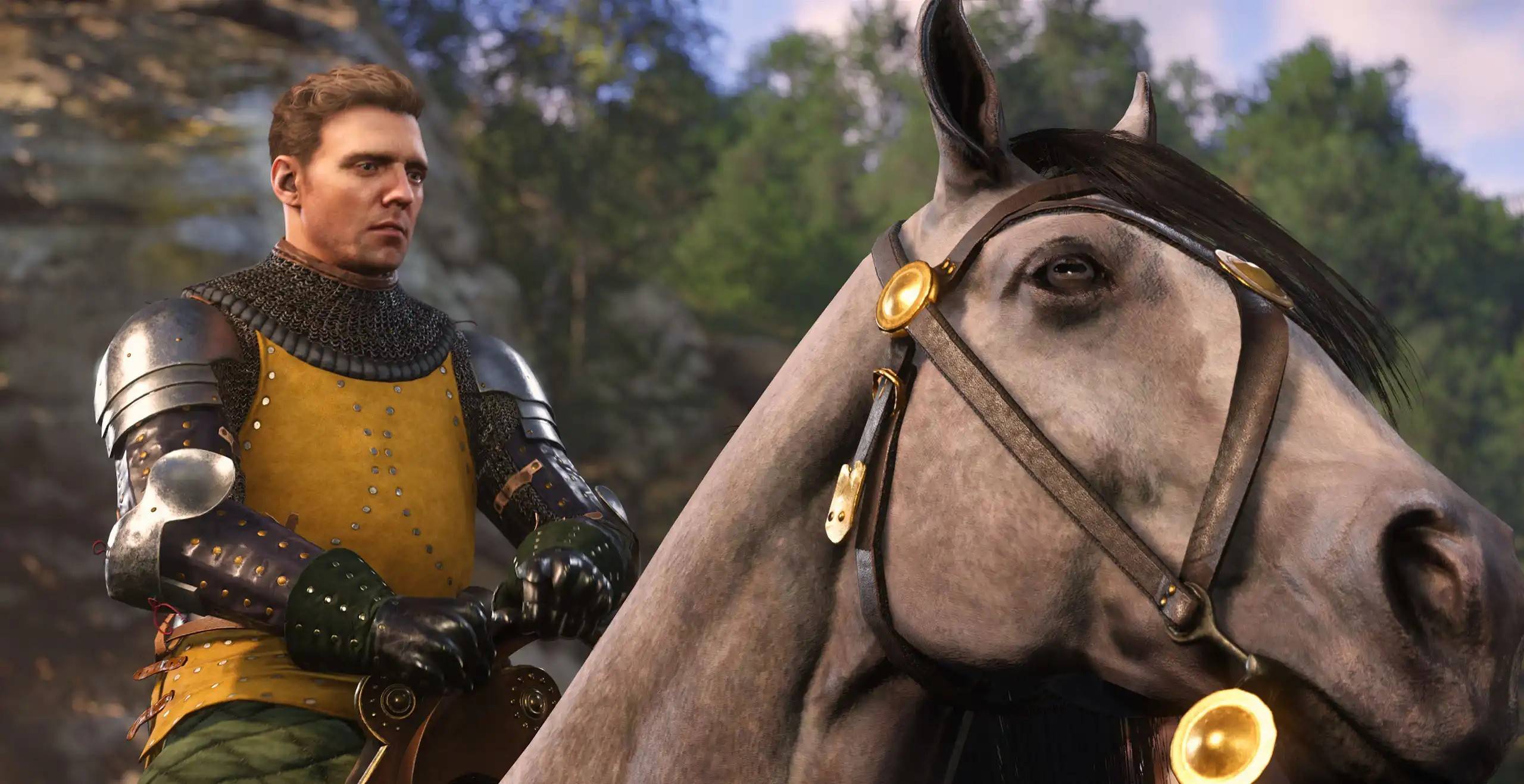
Despite being out for a couple of weeks, many gamers are still facing challenges in getting *Kingdom Come: Deliverance 2* to run smoothly on PC. The most prevalent issue is stuttering, which can be quite frustrating for players who have met the game's system requirements. Fortunately, the *Kingdom Come: Deliverance 2* community has identified several solutions to tackle this problem.
How to Deal With Kingdom Come: Deliverance 2 Stuttering on PC
Gamers have been vocal on platforms like Reddit about the stuttering issues with *Kingdom Come: Deliverance 2*. The PC version of the game often experiences performance hiccups, disrupting gameplay. Here are some effective solutions that have been shared by the community:
The first solution to try is installing the NVIDIA GeForce Hotfix Driver Version 572.24 for Windows 10 and 11, released a week after *Kingdom Come: Deliverance 2*. Many players have reported that this hotfix significantly reduces stuttering and also addresses some crashing issues.
However, some players still experienced stuttering even after applying the hotfix. It turns out that using a Bluetooth controller might be the culprit. Switching to a wired connection by plugging the controller into a USB port has helped many players achieve smoother gameplay.
How to Alter Settings in Kingdom Come: Deliverance 2
If the above solutions don't resolve the stuttering, it's time to dive into the game's settings. *Kingdom Come: Deliverance 2* provides a variety of Advanced Graphics Settings that allow players to fine-tune their experience. Options include Lighting, Shader quality, Textures, and more. While lowering these settings might not be ideal as it can affect the game's visual quality, it may be necessary to eliminate stuttering.
Consider adjusting settings from High to Medium, and from Medium to Low. Experimenting with different combinations can help you find the right balance that allows Henry's adventure to continue without interruptions.
For those who manage to fix the stuttering using other methods and don't need to lower their settings, there's an opportunity to optimize the game for the best visual experience. Check out The Escapist's guide on the best PC settings for high FPS in *Kingdom Come: Deliverance 2* to enhance your gameplay further.
That's how you can address *Kingdom Come: Deliverance 2* stuttering on PC. For additional enhancements, consider exploring the best mods available for Warhorse Studios' title.
*Kingdom Come: Deliverance 2 is available now on PlayStation, Xbox, and PC.*













- 1 Roblox Game Codes Updated: April 2025 May 13,2025
- 2 The Best Gaming PC of 2025: Top Prebuilt Desktops Mar 26,2025
- 3 Idle Heroes Team Compositions – January 2025 Mar 16,2025
- 4 Roblox Forsaken Characters Tier List [UPDATED] (2025) Apr 03,2025
- 5 Tips to Conquer the Dragon Quest III: HD-2D Remake Feb 21,2025
- 6 Roblox: Warrior Cats: Ultimate Edition Codes (January 2025) Feb 12,2025
- 7 Pokémon GO Fest 2025: Fest Dates, Locations, Details Revealed Feb 13,2025
- 8 Fortnite: Chapter 6 Season 1 NPC Locations Feb 13,2025





-
Unique Wallpaper Apps for Every Style
A total of 10
-
Top Beauty Trends for This Season
A total of 10
-
Ultimate Baseball Games for Android
A total of 10











