
Hyper Light Breaker: Mastering the Hoverboard
Quick Links
Navigating the expansive, synthwave-inspired world of the Overgrowth in Hyper Light Breaker can be a daunting task, but fear not—your trusty Hoverboard is here to make traversing this vast landscape a breeze. From the moment you start playing, you have access to this invaluable tool, which not only serves as your sprint mechanic but also enhances your mobility, allowing you to cover large distances with ease as your Energy slowly depletes. This guide will walk you through how to summon and ride your Hoverboard, as well as highlight its key attributes and special uses that go beyond mere transportation.
How To Summon A Hoverboard In Hyper Light Breaker
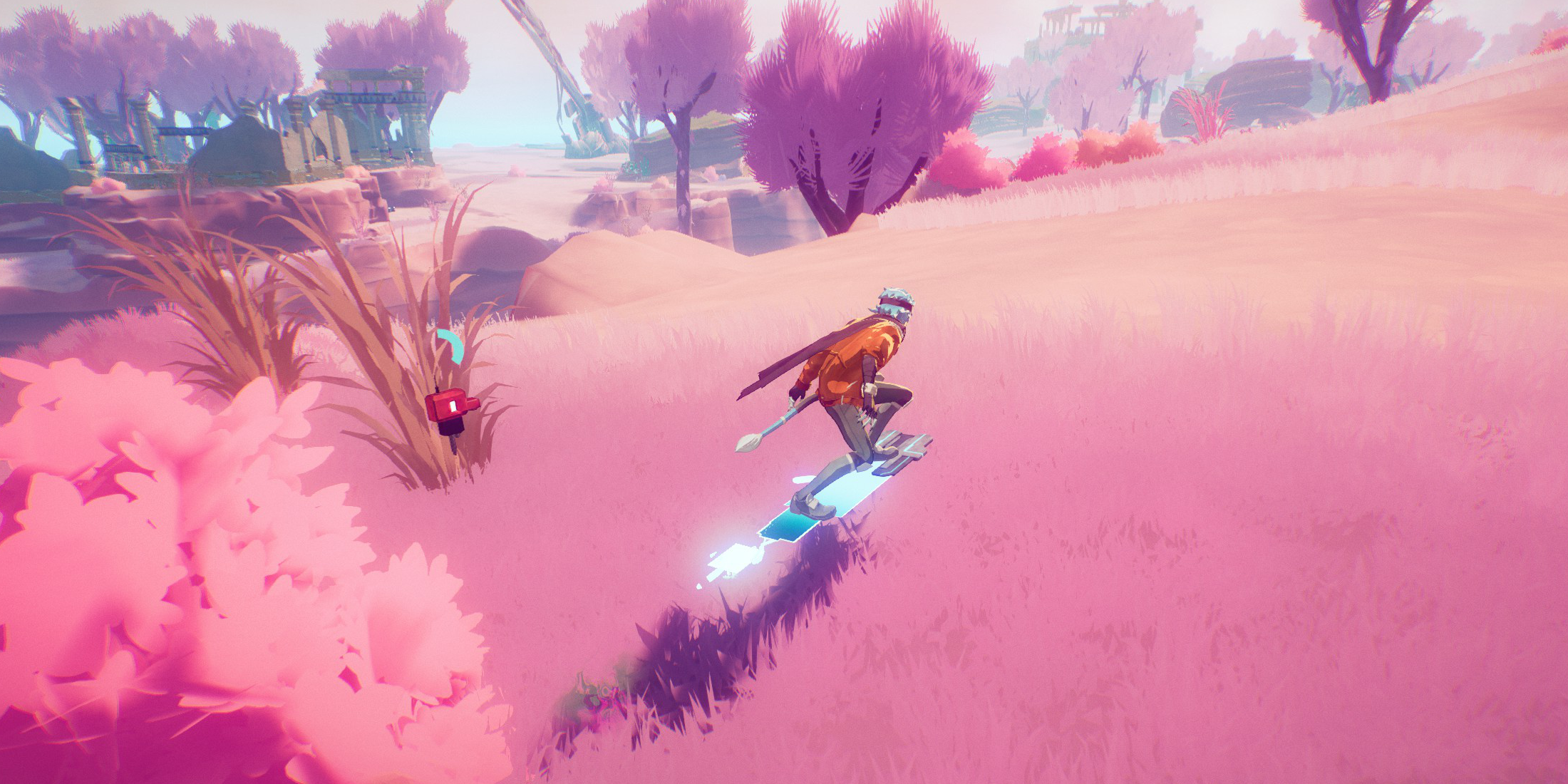 Summoning your Hoverboard in Hyper Light Breaker is as simple as holding down the Dodge input. Your Breaker will dash forward and seamlessly transition onto the Hoverboard, provided you keep the Dodge button pressed.
Controlling the Hoverboard is straightforward: tilt the left analog stick in any direction to lean and turn. The speed at which you're traveling affects your turning radius; at top speed, turns are slower, whereas at lower speeds, you have greater control over your direction.
To dismount, just release the Dodge input. Be mindful of your Energy levels, as the Hoverboard will automatically disappear if you run out while riding. You can monitor your Energy next to your Breaker's companion on the screen. If it's running low, take a brief moment to hop off and let it recharge, preventing an untimely dismount.
Hoverboard Movement Tips & Special Uses
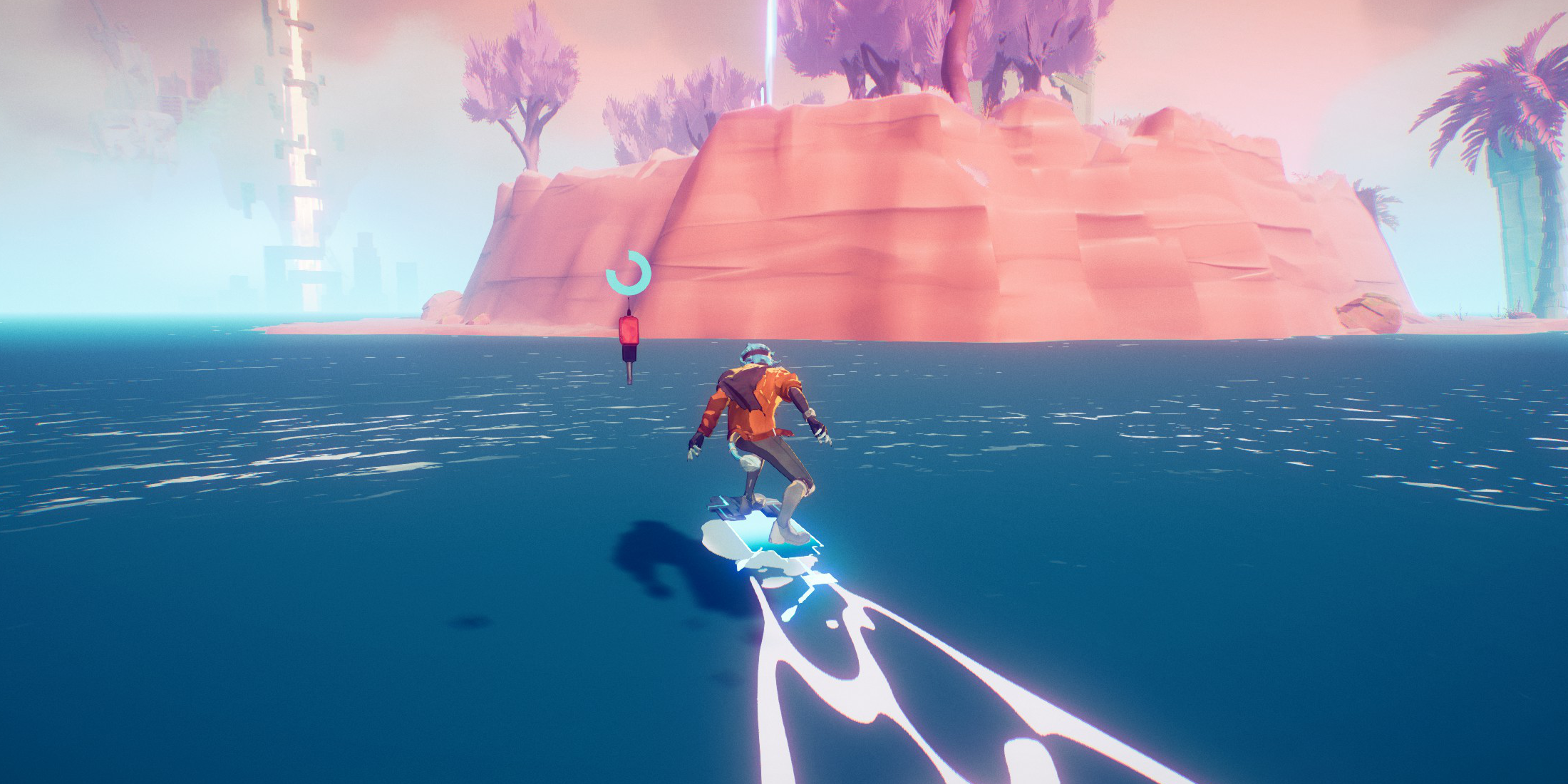 While you won't be pulling off tricks or engaging in combat atop your Hoverboard, Hyper Light Breaker equips it with unique features that enhance your gameplay experience. One of the standout capabilities is its ability to float on water, allowing you to glide over rivers and inlets that dot the Overgrowth landscape. Remember, you must be on the Hoverboard before entering the water to utilize this feature; once submerged, you can't summon it.
Another handy feature is the ability to prepare for a jump while riding. By holding down the Jump input, you can duck and time your jumps more accurately. Although you can't double-jump on the Hoverboard, the added speed can help you leap across wider gaps than usual. Note that ducking doesn't boost your speed or jump height, but it's perfect for nailing those tricky jumps with precision.












- 1 Roblox Game Codes Updated: April 2025 May 13,2025
- 2 The Best Gaming PC of 2025: Top Prebuilt Desktops Mar 26,2025
- 3 Idle Heroes Team Compositions – January 2025 Mar 16,2025
- 4 Roblox Forsaken Characters Tier List [UPDATED] (2025) Apr 03,2025
- 5 Roblox: Warrior Cats: Ultimate Edition Codes (January 2025) Feb 12,2025
- 6 Tips to Conquer the Dragon Quest III: HD-2D Remake Feb 21,2025
- 7 Pokémon GO Fest 2025: Fest Dates, Locations, Details Revealed Feb 13,2025
- 8 Fortnite: Chapter 6 Season 1 NPC Locations Feb 13,2025





-
Unique Wallpaper Apps for Every Style
A total of 10
-
Top Beauty Trends for This Season
A total of 10
-
Ultimate Baseball Games for Android
A total of 10











