
How to Fast Travel in Dynasty Warriors Origins
While *Dynasty Warriors: Origins* does not feature an open-world environment, it does offer a sizable world map for players to navigate. Initially, the explorable area of the map is quite limited, making it straightforward to traverse. However, as players advance through the main storyline and unlock additional provinces, the task of navigating can become both time-consuming and cumbersome. This challenge is exacerbated by the continuous unlocking of new skirmishes and requests, often necessitating backtracking over vast sections of the map. Fortunately, mastering fast travel in *Dynasty Warriors: Origins* can significantly streamline this process, especially for those aiming to complete all side content.
How to Fast Travel in Dynasty Warriors: Origins
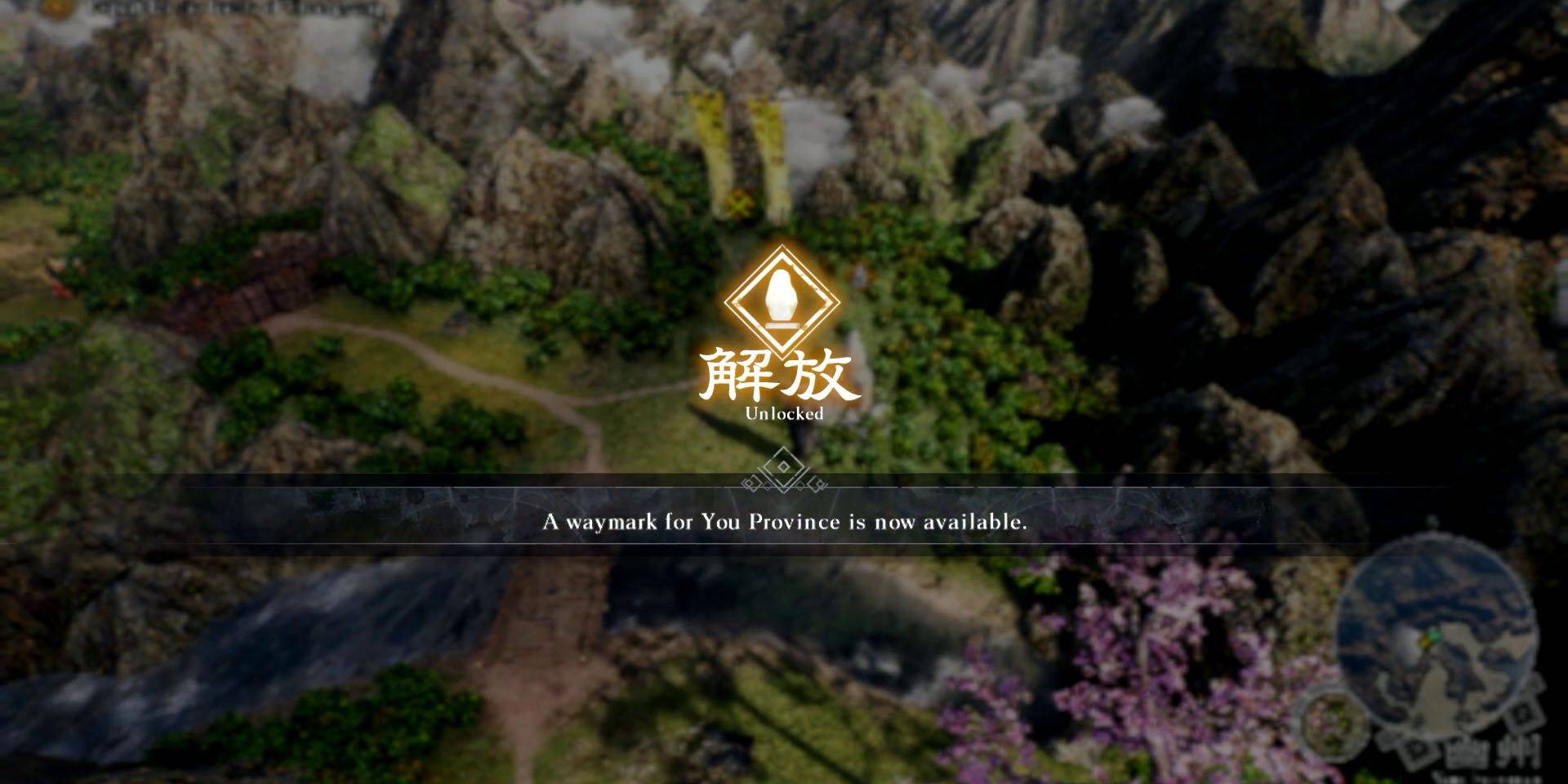
In *Dynasty Warriors: Origins*, players can utilize fast travel to move between different Waymarks by accessing the Map screen. To fast travel to a Waymark, players must first unlock it by approaching it on the world map and holding the X button (on PlayStation) or the A button (on Xbox). Once unlocked, the Waymark will appear on the map screen, enabling direct fast travel to that location at any time.
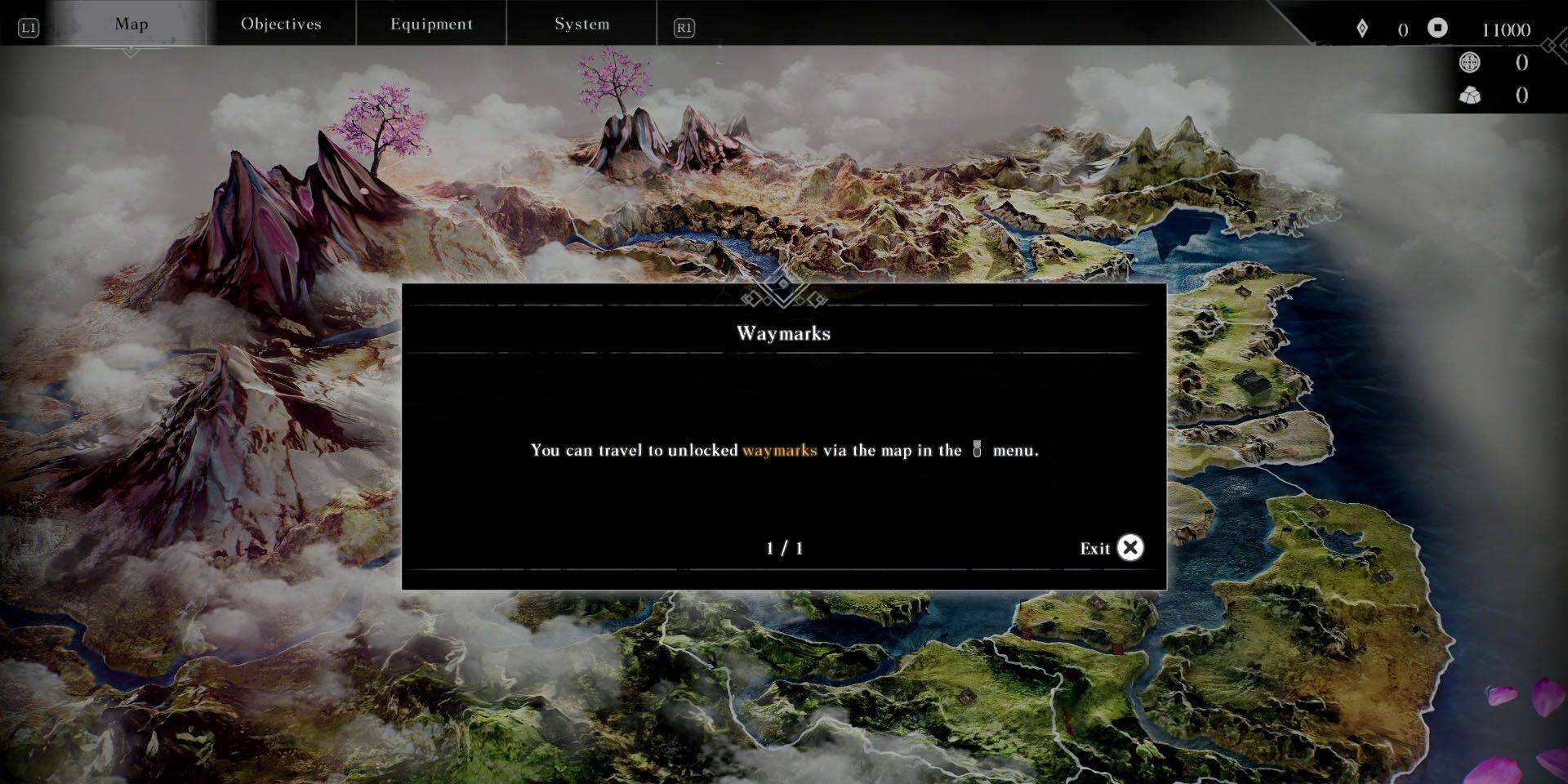
When not engaged in battle, players can access the map by interacting with an unlocked Waymark on the world map or by pausing the game and using the shoulder buttons to navigate to the Map menu. PlayStation users can expedite this process by pressing the Dual Sense touchpad while on the world map screen, saving precious seconds.
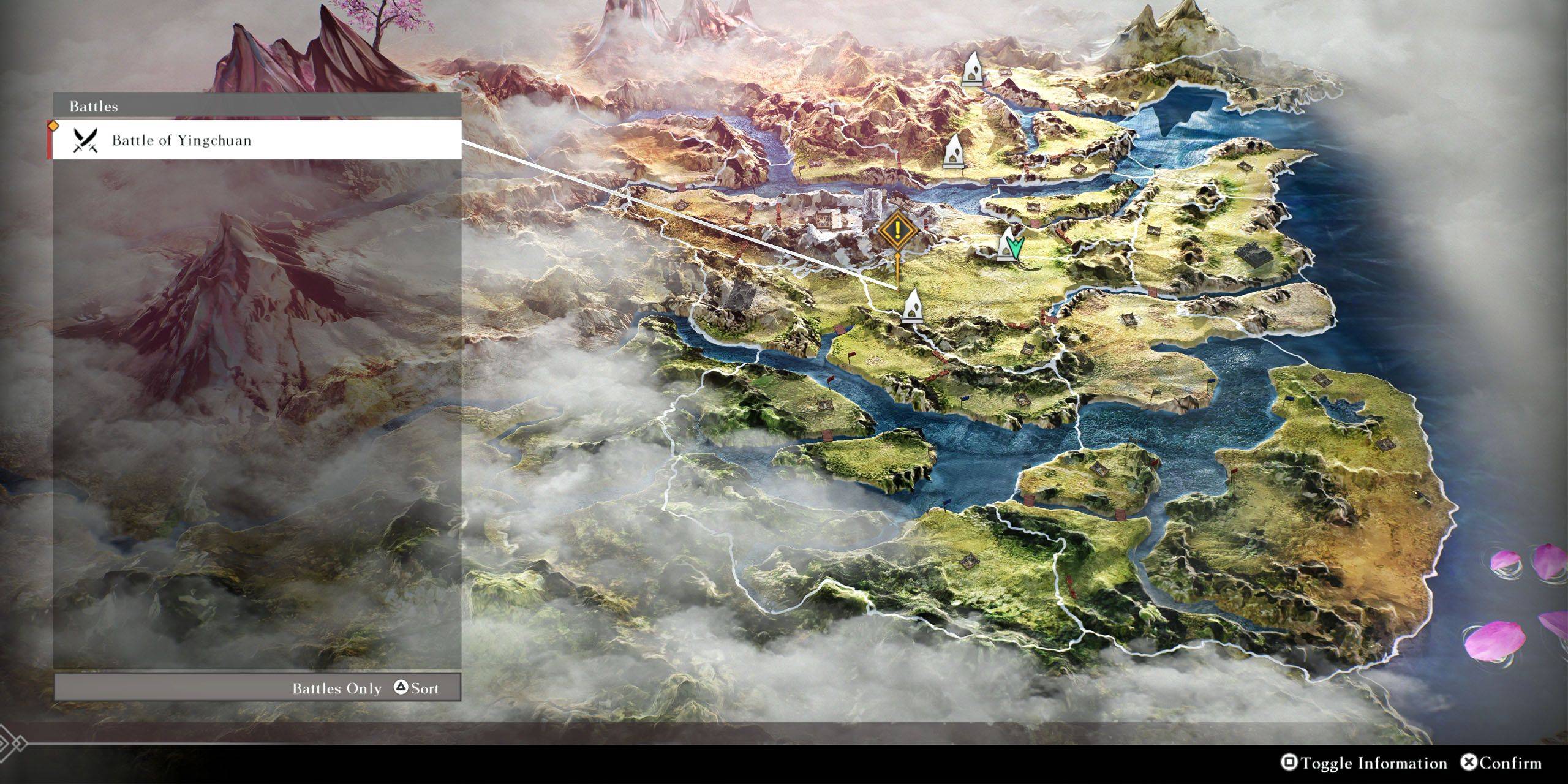
On the map screen, hovering over an unlocked Waymark will display any nearby key locations or battles. To locate a specific battle or location, players should press the Square button (on PlayStation) or the X button (on Xbox) to toggle information. They can then use the Triangle button (on PlayStation) or the Y button (on Xbox) to cycle through a list of available battles and locations, selecting the desired one to move the cursor to the nearest Waymark.













- 1 Roblox Game Codes Updated: April 2025 May 13,2025
- 2 The Best Gaming PC of 2025: Top Prebuilt Desktops Mar 26,2025
- 3 Idle Heroes Team Compositions – January 2025 Mar 16,2025
- 4 Roblox Forsaken Characters Tier List [UPDATED] (2025) Apr 03,2025
- 5 Roblox: Warrior Cats: Ultimate Edition Codes (January 2025) Feb 12,2025
- 6 Tips to Conquer the Dragon Quest III: HD-2D Remake Feb 21,2025
- 7 Pokémon GO Fest 2025: Fest Dates, Locations, Details Revealed Feb 13,2025
- 8 Fortnite: Chapter 6 Season 1 NPC Locations Feb 13,2025





-
Unique Wallpaper Apps for Every Style
A total of 10
-
Top Beauty Trends for This Season
A total of 10
-
Ultimate Baseball Games for Android
A total of 10











