
How Chat Works in Minecraft: Everything You Need to Know
Chat in Minecraft is a vital tool for player interaction, enabling communication, command execution, and server notifications. It facilitates coordination, resource exchange, question-asking, role-playing, and game management. Servers can utilize the chat to broadcast system messages, alert players to events, distribute rewards, and share updates.
Table of Contents
- How to Open the Chat and Use Commands
- Communication on the Server
- Frequently Asked Questions and Errors
- Text Formatting
- System Messages
- Useful Commands
- Chat Settings
- Differences Between Java and Bedrock Edition
- Chat on Custom Servers
How to Open the Chat and Use Commands
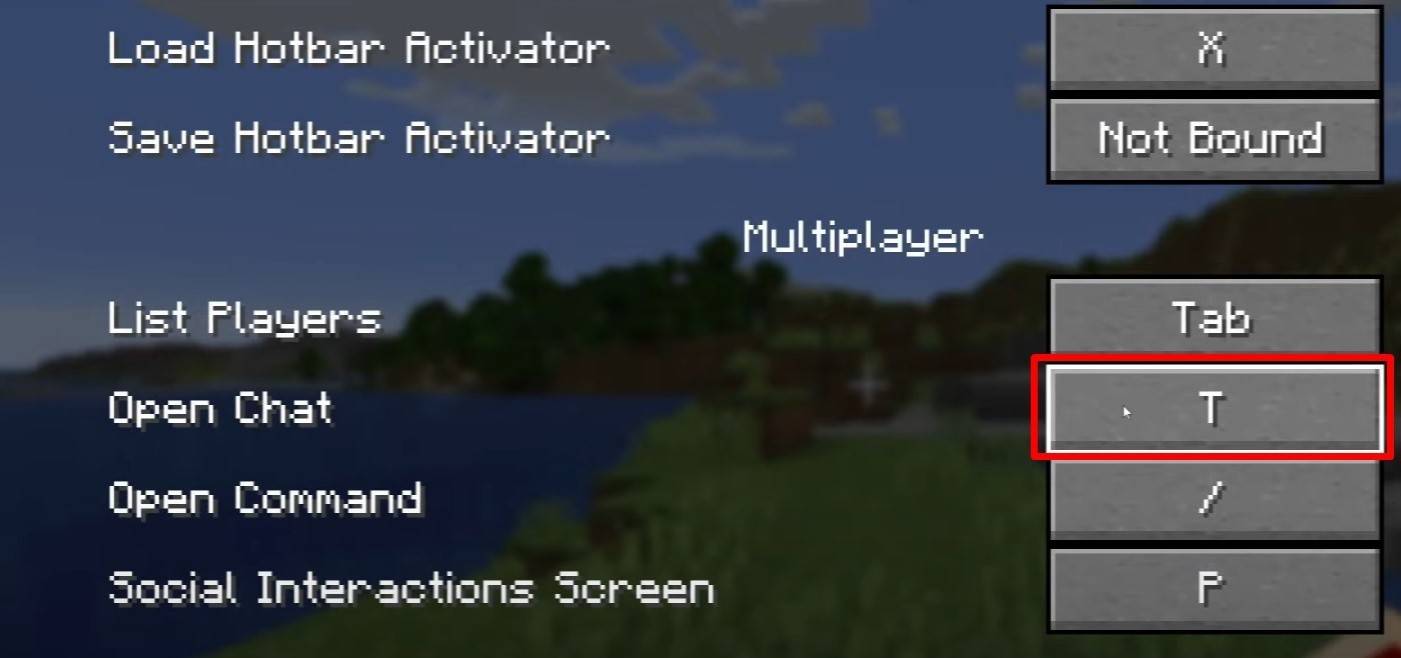 Image: youtube.com
To open the chat, simply press the 'T' key. A text field will appear where you can type your message and send it by hitting Enter. If you prefix your message with a "/", it becomes a command, such as:
- "/tp" — teleport to another player;
- "/spawn" — teleport to the spawn point;
- "/home" — return to your set home;
- "/help" — display a list of available commands.
In single-player mode, commands function only when cheats are enabled. On servers, command execution depends on the player's permissions.
Also read: Take charge of Minecraft: a deep dive into commands
Communication on the Server
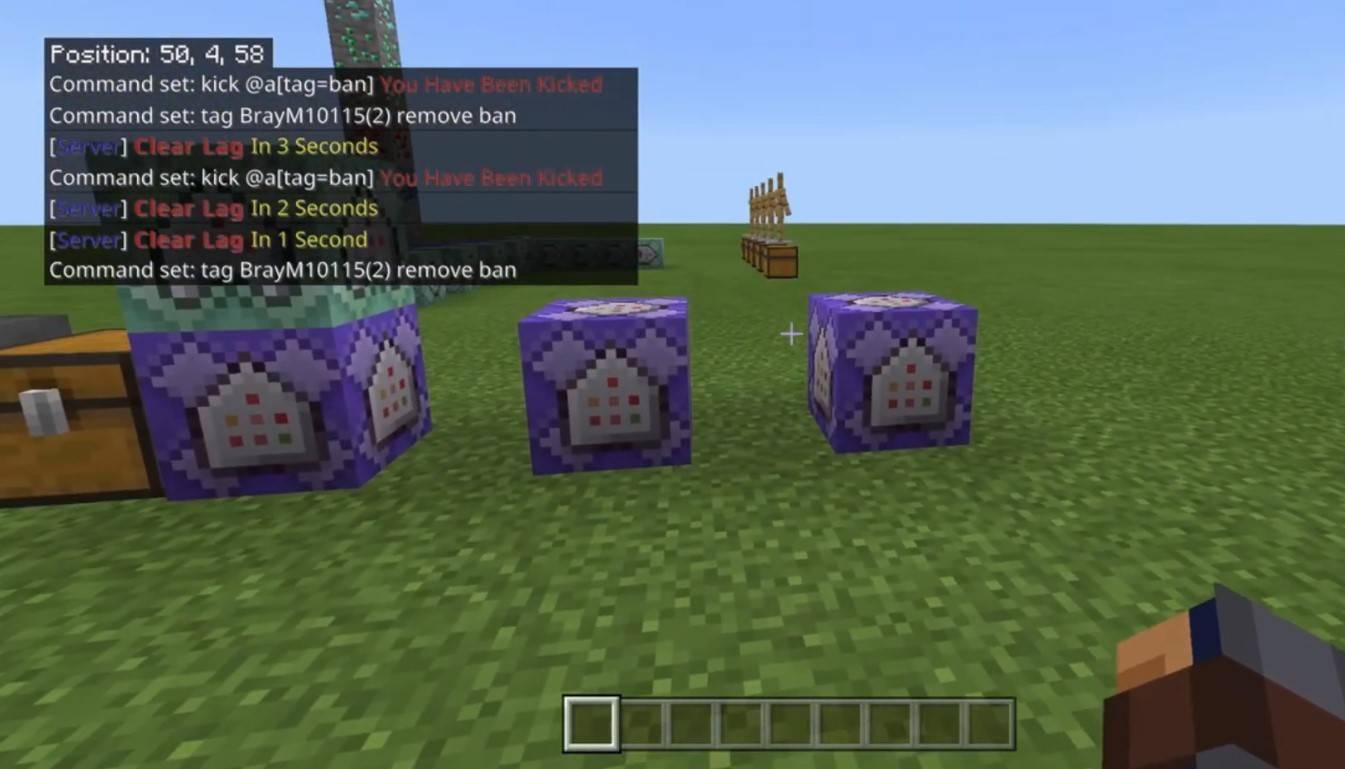 Image: youtube.com
Server communication can take various forms. The standard chat is visible to all players. For private conversations, use the "/msg" command to send messages only to the chosen player. Group or team chats, available on servers with plugins, can be accessed through commands like "/partychat" or "/teammsg". Some servers offer global and local chats: global chat messages are visible to everyone, while local chat messages are only seen within a specific block radius.
Players are assigned roles on the server. Regular players can chat and use basic commands, while moderators and administrators have additional privileges, including the ability to mute or ban players. Muting prevents sending messages, and banning blocks server access.
Frequently Asked Questions and Errors
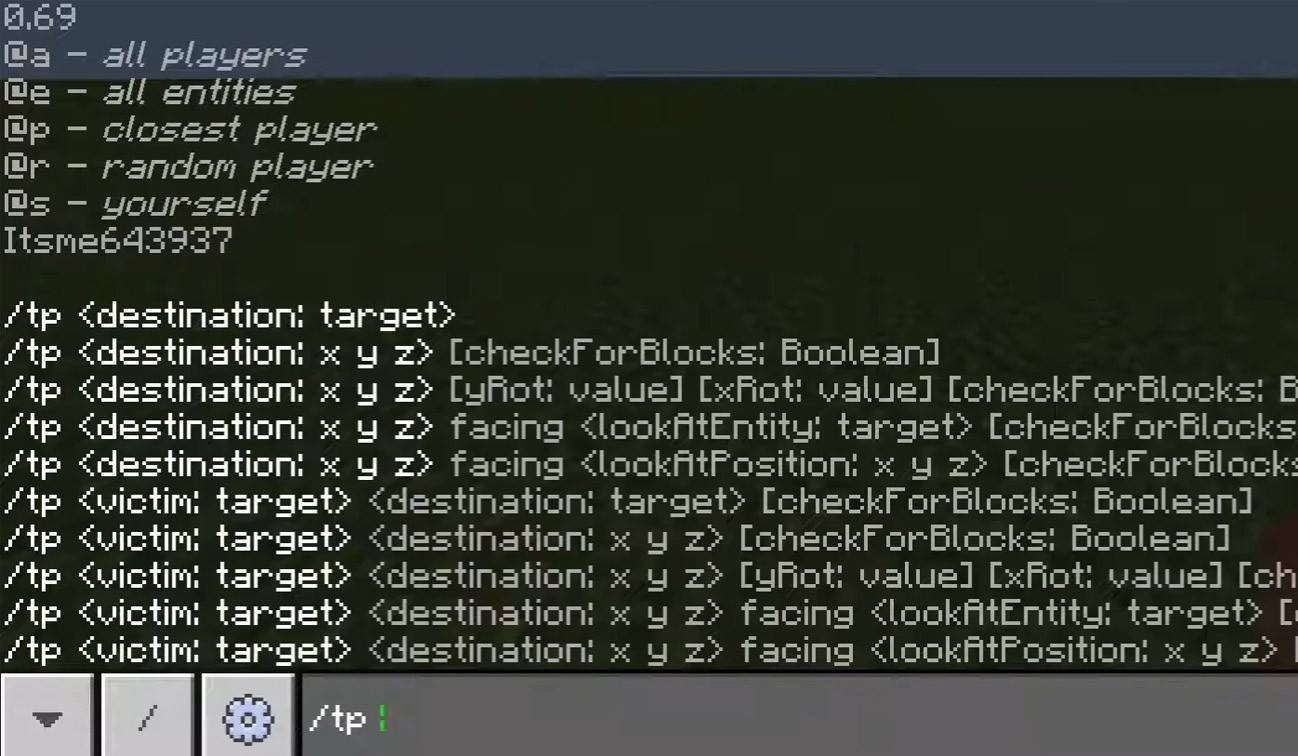 Image: youtube.com
- "Chat won’t open" — try changing the key in the control settings;
- "I can't write in chat" — you might be muted, or chat might be disabled in the game settings;
- "Commands aren’t working" — check if you have the necessary permissions on the server;
- "How to hide the chat?" — you can disable it in the settings or use the /togglechat command.
Text Formatting
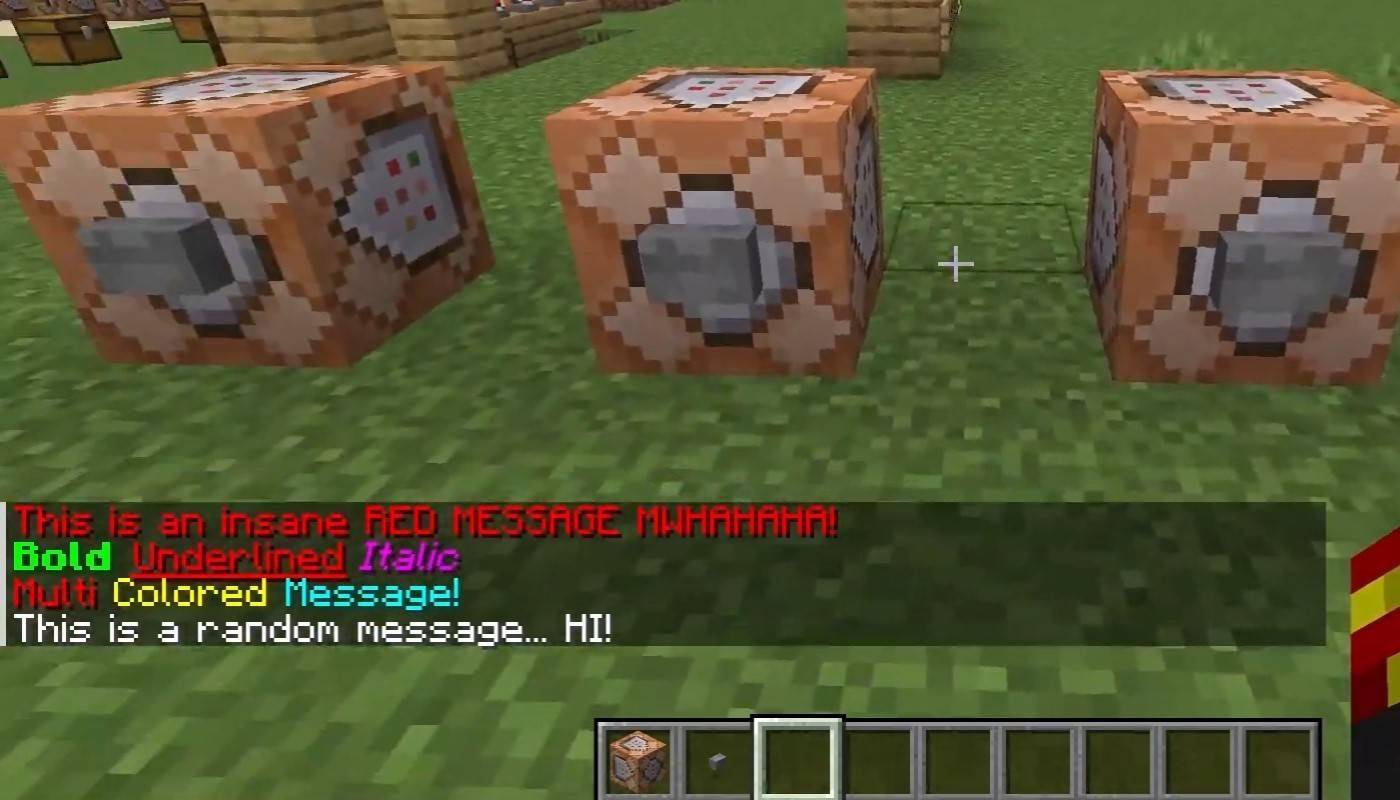 Image: youtube.com
On servers that support text formatting, you can use the following codes:
- "&l" — bold text;
- "&o" — italic;
- "&n" — underlined;
- "&m" — strikethrough;
- "&r" — reset formatting.
System Messages
Chat displays player join and leave notifications, achievement announcements like "Player has obtained a diamond pickaxe", server news, events, updates, and command error messages such as "You do not have permission". It also shows executed command messages and game status notifications. Administrators and moderators use chat to communicate important changes or server rules.
Useful Commands
- "/ignore" — ignore messages from a player;
- "/unignore" — remove a player from the ignored list;
- "/chatslow" — slow down the chat (limit on message sending);
- "/chatlock" — temporarily disable the chat.
Chat Settings
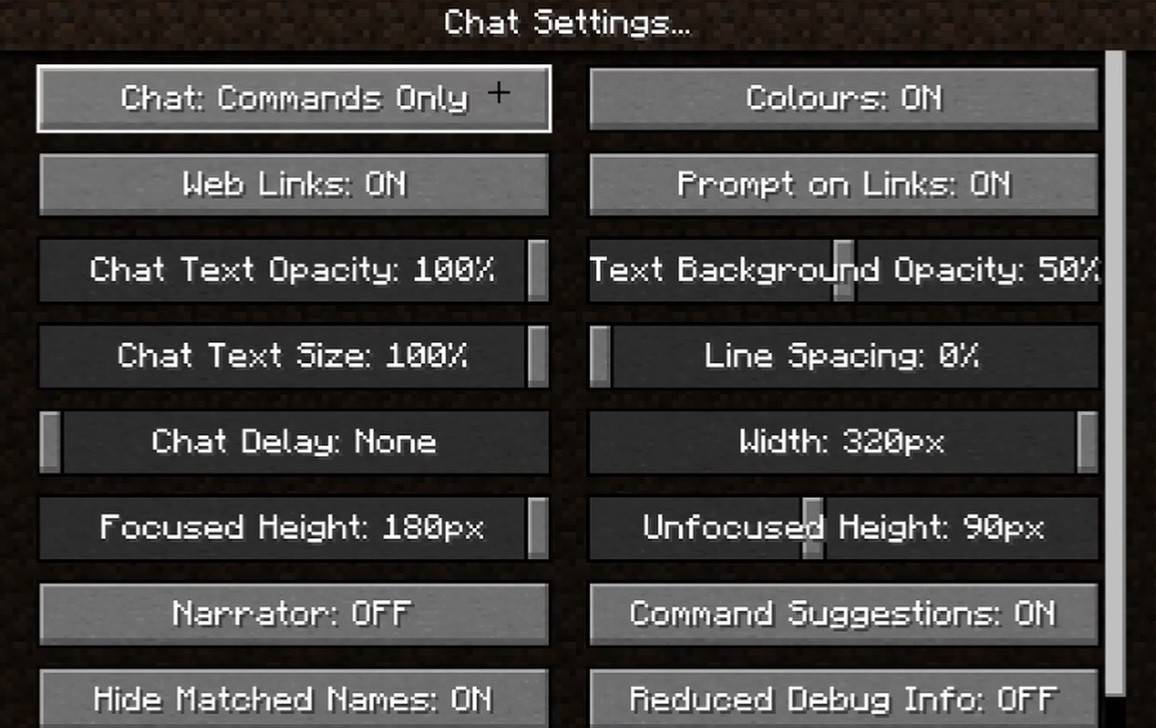 Image: youtube.com
In the "Chat and Commands" menu, you can enable or disable the chat, adjust font size and background transparency, and configure the profanity filter (in Bedrock Edition). You can also customize the display of command messages, change text color, and in some versions, filter chats by message type for an enhanced player experience.
Differences Between Java and Bedrock Edition
In Bedrock Edition, command syntax may differ slightly (e.g., "/tellraw" behaves differently). Newer Java Edition versions have introduced message filtering and the need to confirm sending messages.
Chat on Custom Servers
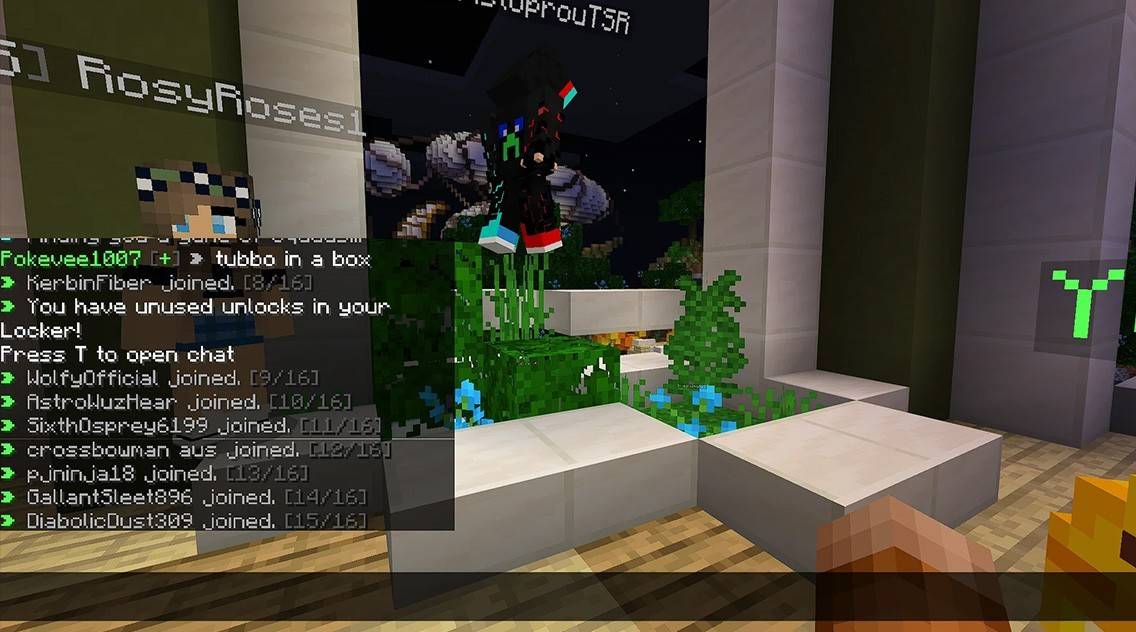 Image: youtube.com
Custom servers often feature auto-announcements reminding players of rules, events, and more. Message filters that block spam, ads, profanity, and insults are common. Large servers may offer additional chat channels like trade, clan, or faction chats.
Chat in Minecraft not only facilitates communication but also aids in managing gameplay. It's highly customizable, offering numerous commands and useful features. By mastering its basics, you can effectively interact with others and fully utilize its capabilities!












- 1 Roblox Game Codes Updated: April 2025 May 13,2025
- 2 The Best Gaming PC of 2025: Top Prebuilt Desktops Mar 26,2025
- 3 Idle Heroes Team Compositions – January 2025 Mar 16,2025
- 4 Roblox Forsaken Characters Tier List [UPDATED] (2025) Apr 03,2025
- 5 Tips to Conquer the Dragon Quest III: HD-2D Remake Feb 21,2025
- 6 Roblox: Warrior Cats: Ultimate Edition Codes (January 2025) Feb 12,2025
- 7 Pokémon GO Fest 2025: Fest Dates, Locations, Details Revealed Feb 13,2025
- 8 Fortnite: Chapter 6 Season 1 NPC Locations Feb 13,2025





-
Unique Wallpaper Apps for Every Style
A total of 10
-
Top Beauty Trends for This Season
A total of 10
-
Ultimate Baseball Games for Android
A total of 10











